
Category: REAPER CUSTOMIZATION
-
Using the KONTAKT Multichannel Track Template for REAPER
Using the KONTAKT Multichannel Track Template for REAPER
-
Advanced Editing Tips – Selecting items under mouse cursor
How to select items without losing your position in the timeline? How about snapping an item to the cursor?
-
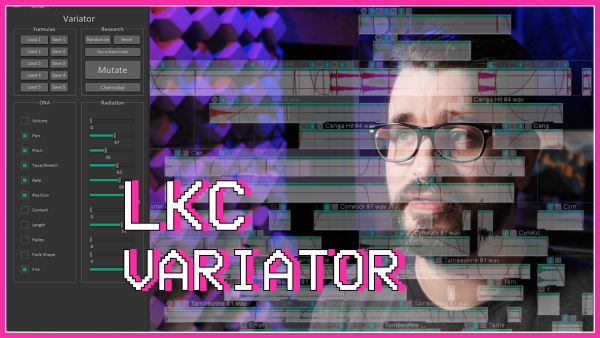
Powerful new script: LKC Variator
LKC Variator is a dockable REAPER script for randomizing item settings and positions. Especially useful for sound design work.
-
UCS Reaper Renaming Tool with Aaron Cendan
Jon talks to Aaron Cendan about the new batch renaming tool script for REAPER.
-
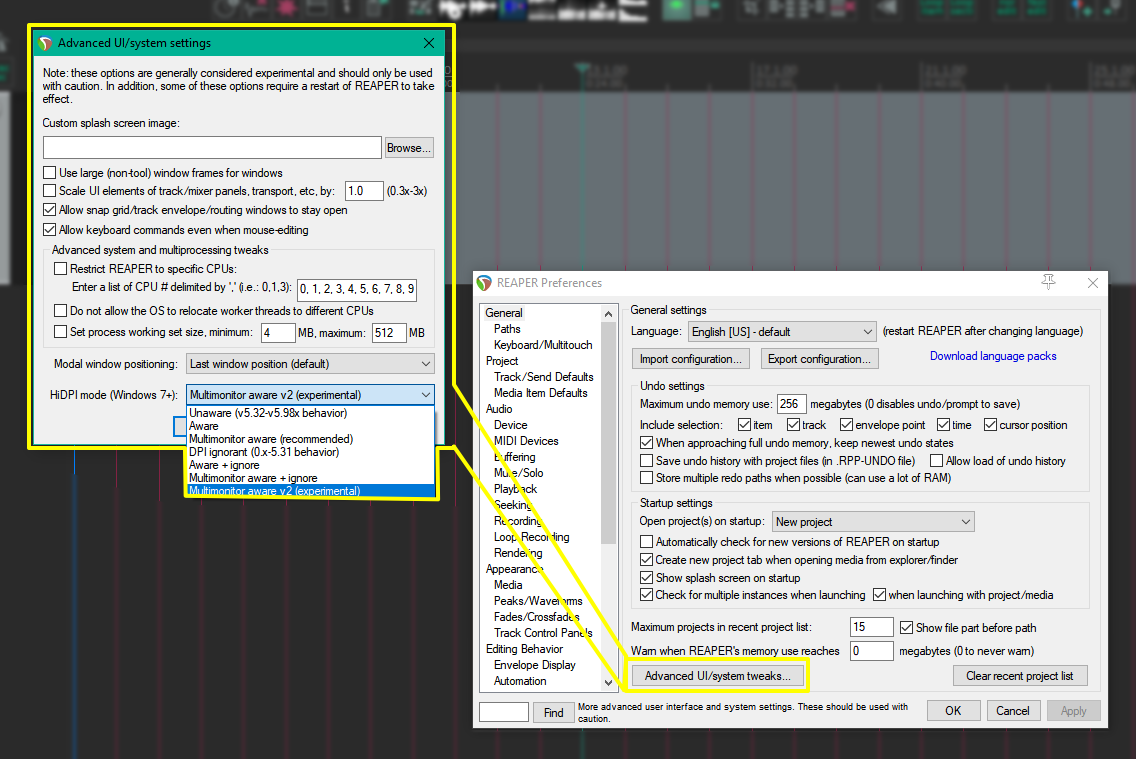
REAPER Tweak – Multimonitor v2 HiDPI awareness mode (Windows only)
If you use mixed DPI monitors with REAPER, you might want to try Multimonitor Aware V2 HiDPI mode. Here’s why.
-
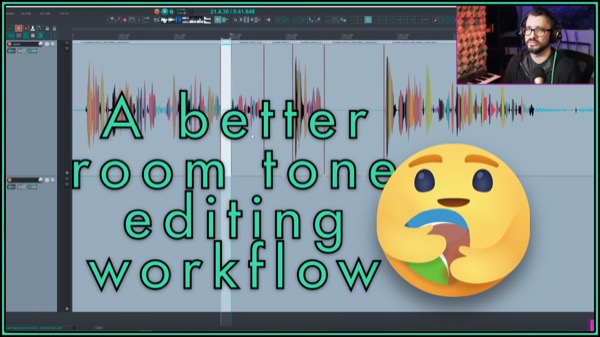
Paste to fill selection (special paste) custom action
This custom action makes it simple to fill spaces in your recording with ‘clean’ room tone.
-
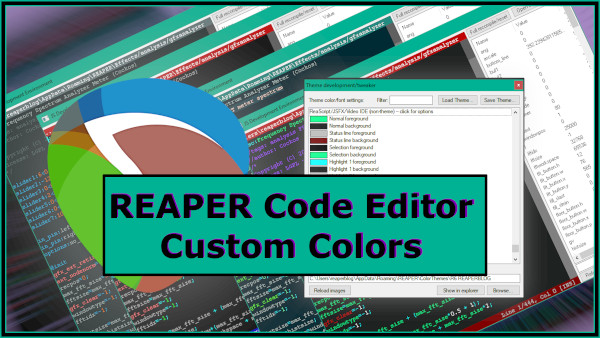
REAPER Code Editor Custom Theme Colors
How to customize the colors in REAPER’s scripting editor window.
-
How to use Screensets in REAPER
Screensets are one of my favorite features in REAPER and one of the best ways to customize the REAPER interface to suit the task at hand. learn more in this new tutorial
-
Intro to Reaticulate tutorial
Learn how to get started with the Reaticulate script for managing MIDI instrument articulations in REAPER.
-
Amagalma’s Adjust Theme Colors script
A REAPER script for quick adjustment of various theme elements with built-in snapshot and a/b comparisons.
-
Using Templates in REAPER – Presets, FX Chains and more
Learn about the 4 types of presets and templates you’ll use in REAPER, from plugin presets to project templates.
-
Customizing the REAPER 6 Theme
Learn about what goes into customizing the REAPER 6 theme. (Tutorial video, 35min)