
Category: REAPER CUSTOMIZATION
-
Adding FX with SWS Extensions
Exploring some ways we can customize REAPER to enable instant access to our favorite plugins. Using ReaConsole, Resources and Cycle Action Editor from free SWS Extensions for REAPER.
-
EZ Drummer 2 Routing & Track Template
Learn how to set up multichannel routing for EZDrummer 2 and download the free Track Template from The REAPER Blog.
-
Select Time Between Items Custom Action
Jon explains a simple custom action and how to assign it to run from a double-click. The action finds the nearest item edges on left and right of the edit cursor and sets the time selection around the item or gap between items.
-
Recommended Theme Tweaks
6 easy changes for REAPER’s interface / theme to improve visibility and ease of use.
-
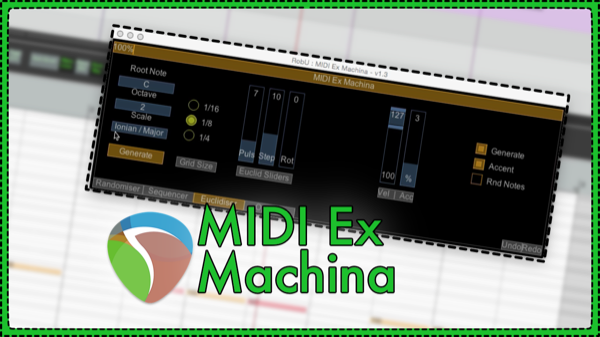
MIDI Ex Machina – MIDI Generator Script by RobU23
This new MIDI script for REAPER 5 enables generation of random MIDI notes, patterns and euclidean rhythms with ease. MIDI Ex Machina is a free script by RobU23 and can be added to REAPER through the ReaPack Extension.
-
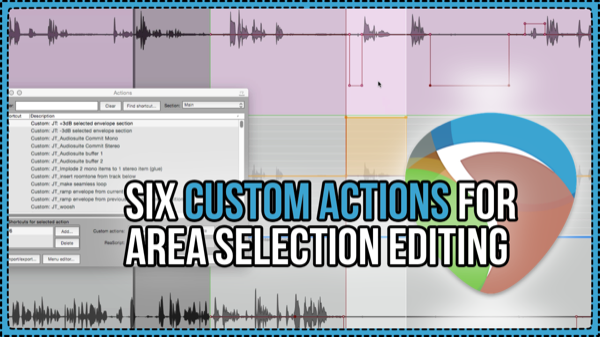
Six Custom Actions For Area Selection Editing
Jon shares 6 custom actions to dramatically improve your audio editing efficiency. Each action applies to the selected time range of the items selected.
-
Instant-Take Suite – Adam T Croft Interview
Jon interviews Adam T Croft about the Instant-Take Suite scripts which bring the powerful AudioSuite workflow in use by post-production professionals for decades, to REAPER.
-
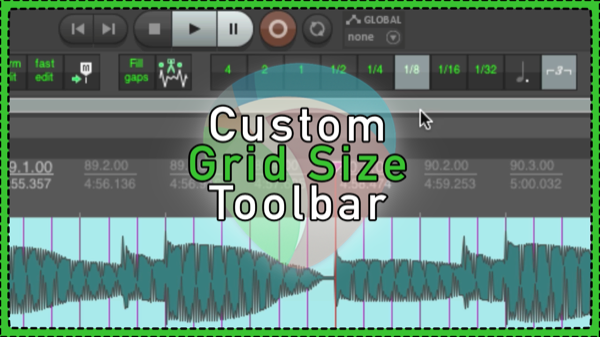
Custom Grid Size Toolbar
Learn how to create and use a custom toolbar for quickly changing the grid size in REAPER.
-
REAPER Quick Tip: Play (skip time selection) – dialog editing trick
A simple action to play back your project and skip the selected area. This is great for previewing an edit where you are trimming a middle section out. Especially useful for dialog and video editing.
-
Ripple Trim and Preview Edit Custom Action – REAPER Dialogue Editing Quick Tip
For everyone doing voice editing in Ripple mode, you often need to listen to every edit to hear the timing in context. This custom action will save you a bunch of time and mouse clicks.
-

Jon’s Favorite Custom Actions
8 super helpful custom actions for editing in REAPER.
-
Quick Tip: Group selected items according to their order in selection per track
How to group items after editing so they are linked across tracks vertically only.