
Category: TUTORIAL
-
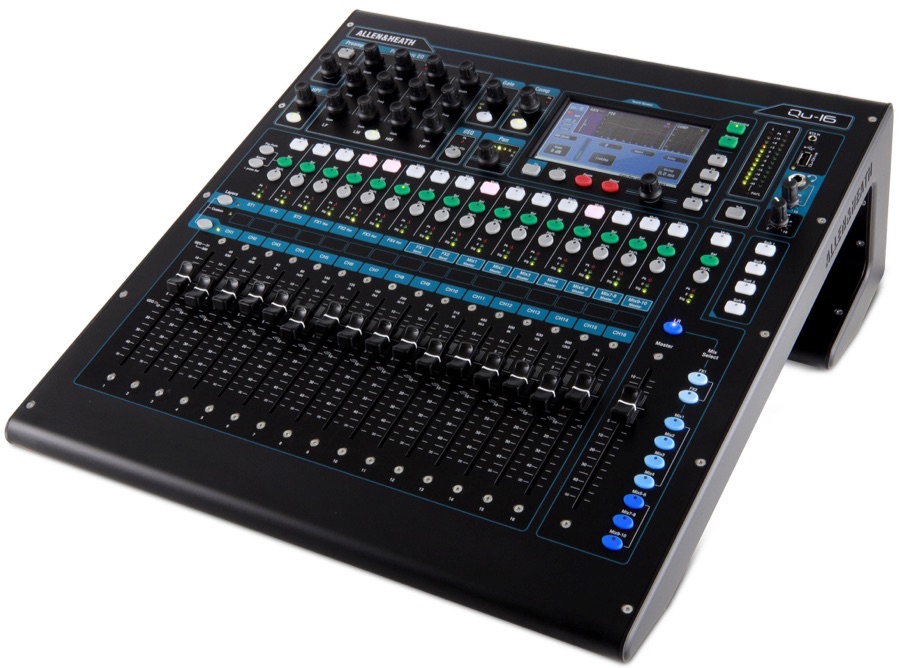
Allen & Heath Qu-16 setup with REAPER
The Allen & Heath Qu-16 is a compact 16 channel digital mixer, audio interface, and control surface. It has a very impressive list of features and functions. You can find out more about the Qu-16 here This tutorial was sent in from Ian Tomlinson and explains how to get the Qu up and running as…
-
REAPER Blog Q & A # 4
The YouTube channel has passed 2000 subscribers and the fourth Question & Answer video just went up. In this video: 00:34 – What theme are you using? 02:07 – Tips for processing lead guitars? 02:56 – When do you choose to use Save As or make a Snapshot? 03:49 – How to hide marker lines…
-
Home Recording Tutorials from Viking Guitar
Learn the basics of making demos in REAPER in this series of tutorials from Erik Peabody.
-

SWS Snapshots Video Tutorial
Jon demonstrates the SWS Snapshots function to capture and paste mix settings from one song to another.
-
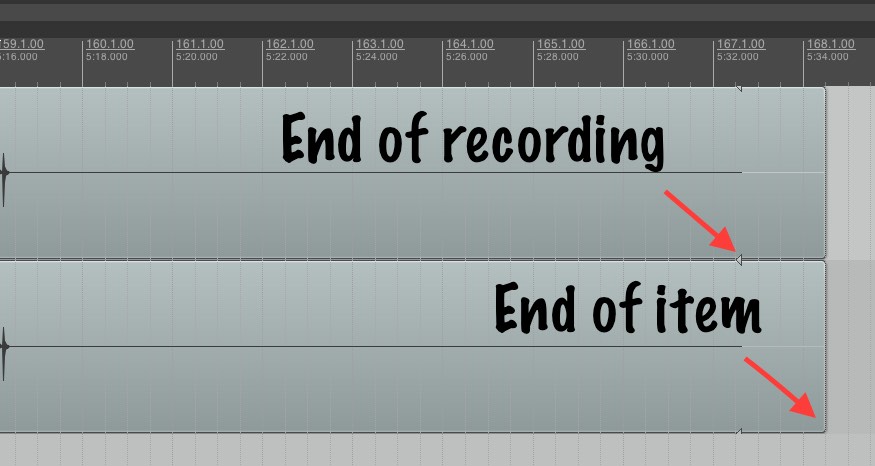
Working with Takes in REAPER
It’s far too easy to get into a confusing and messy situation with the reaper takes system, especially when working with multiple tracks at once. Here is my workflow for managing takes during the recording process.
-
REAPER Setup for Voiceover with Will Irace
Tutorial video (1hr): Will Irace takes us through his REAPER customization and workflow for voice recording. Jon comments with workflow improvements and
-
Ryan’s Switch To REAPER – Expert Support Session
Jon helps Ryan on his first day in REAPER after a decade of using Pro Tools.
-
Video: Stretch Marker Basics
Jon show the basics of using stretch markers in REAPER to correct the timing of a bass guitar.
-
Behringer BCF2000 Basic Setup in REAPER
Take control of your mix! Find out how to set up the Behringer BCF2000 in Mackie Mode in REAPER.
-
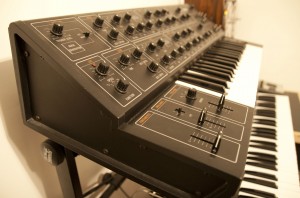
Video: How to make any monosynth plugin polyphonic with some clever routing
Ever wish your favorite virtual monosynth could play chords? Here’s how to do it in REAPER.
-
Quick Tip – ‘Pencil Tool’ Workflow in REAPER
Jon shows how to configure REAPER for “Pencil Tool” editing of audio.
-

Learn REAPER’s preferences in just 90 minutes
Clear your schedule for the next hour and a half. Kenny Gioia is about to take you on a guided tour or the REAPER preferences. How exciting!