
Category: TUTORIAL
-
Video: Helgoboss Playtime Plugin Demo
Video tutorial for the sequencer plugin Playtime.
-
Video Quick Tip: Compressor Release Times
In this video quick tip I show an easy way to find an ideal compressor release time for your percussive tracks.
-
Why REAPER Rocks – Amazing Update and Install Speed!
This video from Dan Mayes shows one of the great reasons to use REAPER, the frequent updates and fast installs.
-
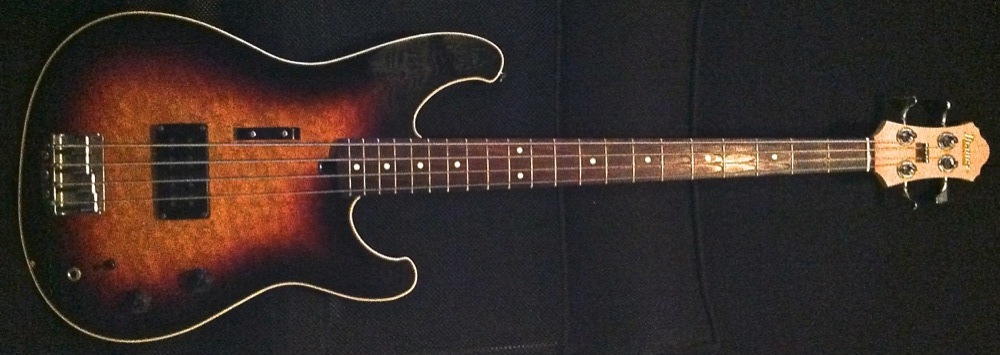
Video: Mean Bass Tone With REAPER Plugins
Video Tutorial: How to get a dirty and mean bass guitar sound using plugins included with REAPER.
-
Video: HOFA CD Burn & DDP Demo
An overview of HOFA CD Burn & DDP software for finalizing a CD master.
-
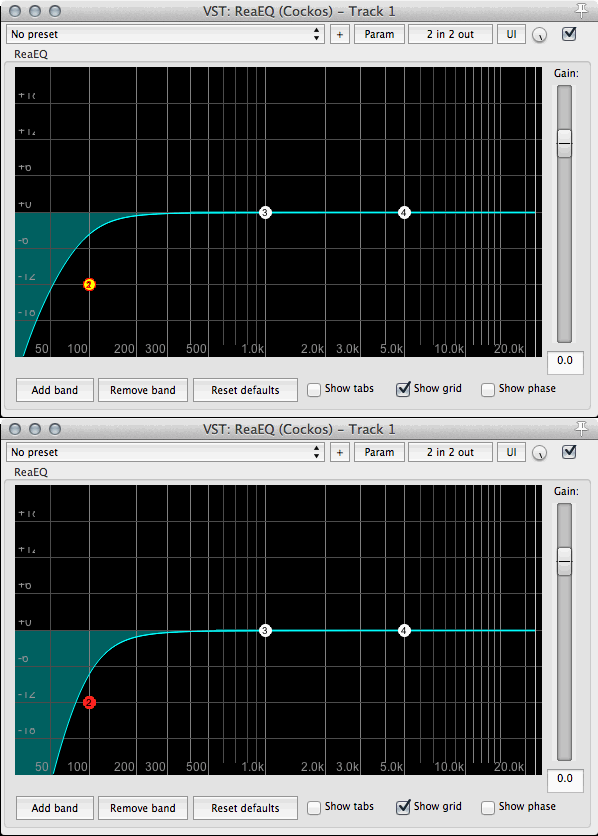
Quick Tip: 24dB per octave filters in ReaEQ
How to increase the steepness of ReaEQ filters.
-
![Automatic temp folder cleanup [OSX version]](https://reaper.blog/wp-content/uploads/2014/11/automator-copy.jpg)
Automatic temp folder cleanup [OSX version]
Tutorial for OSX users to automatically clean old REAPER temporary peak and backup files using Automator and CronniX.
-

Video: Mastering Project Setup
This video shows how I set up to master an album in REAPER.
-
Quick Tip: Move and Copy Items Vertically
In this video quick tip I show you how to move items up and down across tracks without losing the time position, using mouse modifiers.
-
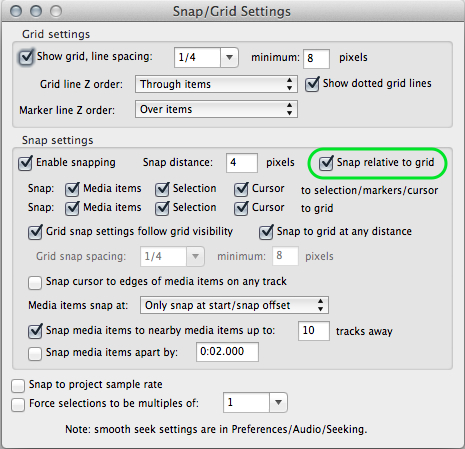
REAPER FAQ: What does snap relative to grid mean?
If you’ve looked in the grid and snap settings you may have noticed the option to snap relative to the grid. Maybe you accidentally clicked this and found your snap to grid has stopped working as expected. The reason for this option is so that items that require an offset from the grid maintain their…
-
Hardcore Mixing In REAPER Series
Hardcore mixing tutorials by Todd Barriage
-
Video Quick Tip: Implode Items to Takes
In this video I show you how to import multiple audio files into separate takes on a single track. I also show you a custom action to really make this fast.