
Category: VIDEO
-
Video: Woosh Maker Custom Action for Sound Design Workflow
Video tutorial on the basics of making a “woosh” sound and speeding up the work with a custom action.
-
REAPER Blog Q & A 3
Jon answers questions about the setup for recording the tutorials; routing separate VSTis to a MIDI controller; Organizing files for big projects; changing track colors; REAPER Licenses.
-
Quick Tip: Reposition Items
Several viewers have suggested a better way of removing silence for a whole track at once using the Reposition Items action. Here’s a look at that in action plus using it to add space between items.
-
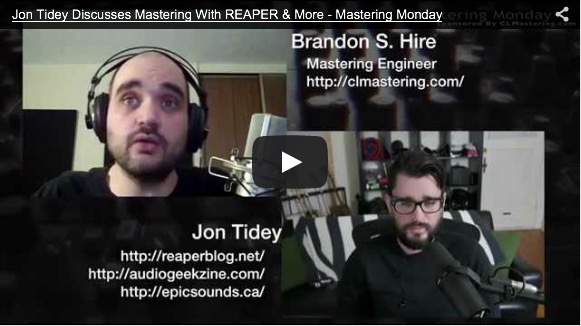
Mastering In REAPER Interview
Jon is interviewed by Brandon S. Hire for Mastering Monday to discuss the benefits of mastering music in REAPER.
-
Drum Sample Replacement in REAPER, four methods explained
In this tutorial Jon explains 4 different methods of enhancing a drum mix with samples using built-in tools and functions.
-
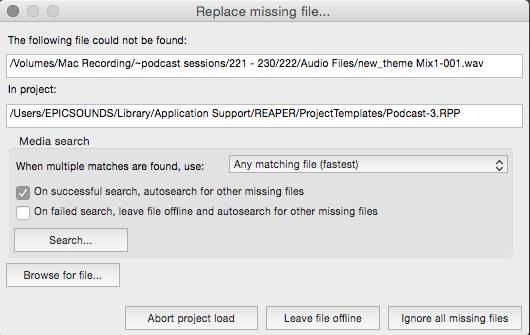
Video: Search For And Relink Offline Files
Have you ever opened a REAPER project and had missing files? Sonic Orb has a great tutorial video on relinking missing media in REAPER projects.
-
24 and 32-bit Recording Formats Explained
Do you know the differences between 24-bit and 32-bit floating point recording formats. Do you know when you should use one or the other? All this is explained and demonstrated in today’s tutorial video.
-
REAPER Blog Q & A 2
In this video Jon answers reader questions about: – Recording levels – Gated reverb – Drum replacement – Changing song order – Mid-Side recordings
-
Video: ReaPitch Tutorial
ReaPitch is a realtime pitch shift plugin included with REAPER. In this video Jon explains the controls of ReaPitch and give a demonstration on vocals for monster sounds and on drums for glitch effects.
-

REAPER Tips from KennyMania
Three new free tutorial videos from Kenny Gioia
-
Video: Making a Song From One Note
In this video Jon makes a song using one note on a guitar and lots of edits.
-
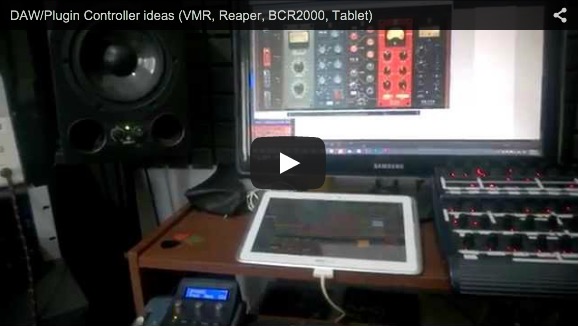
Low cost control surface ideas for REAPER
Martin demonstrates his low cost but highly functional REAPER controller setup using a Faderport, Android tablet with Touch OSC, and a Behringer BCR2000.