
Category: VIDEO
-
Video: HOFA CD Burn & DDP Demo
An overview of HOFA CD Burn & DDP software for finalizing a CD master.
-

Video: Mastering Project Setup
This video shows how I set up to master an album in REAPER.
-
Quick Tip: Move and Copy Items Vertically
In this video quick tip I show you how to move items up and down across tracks without losing the time position, using mouse modifiers.
-
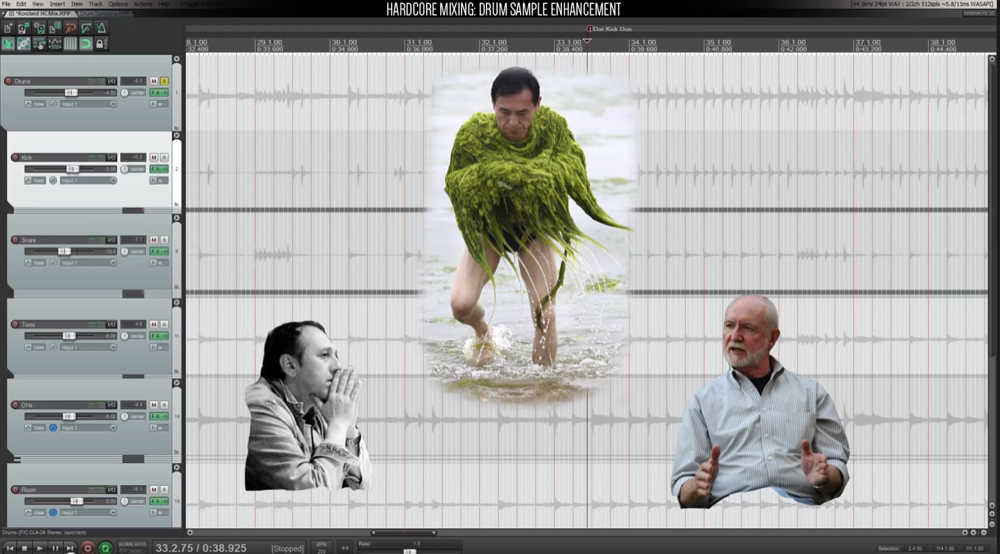
Hardcore Mixing In REAPER Series
Hardcore mixing tutorials by Todd Barriage
-
Video: Elastique V3 Stretching Engine
A short video comparing Elastique 2.28 and 3 timestretching engines on drums.
-
Video Quick Tip: Implode Items to Takes
In this video I show you how to import multiple audio files into separate takes on a single track. I also show you a custom action to really make this fast.
-
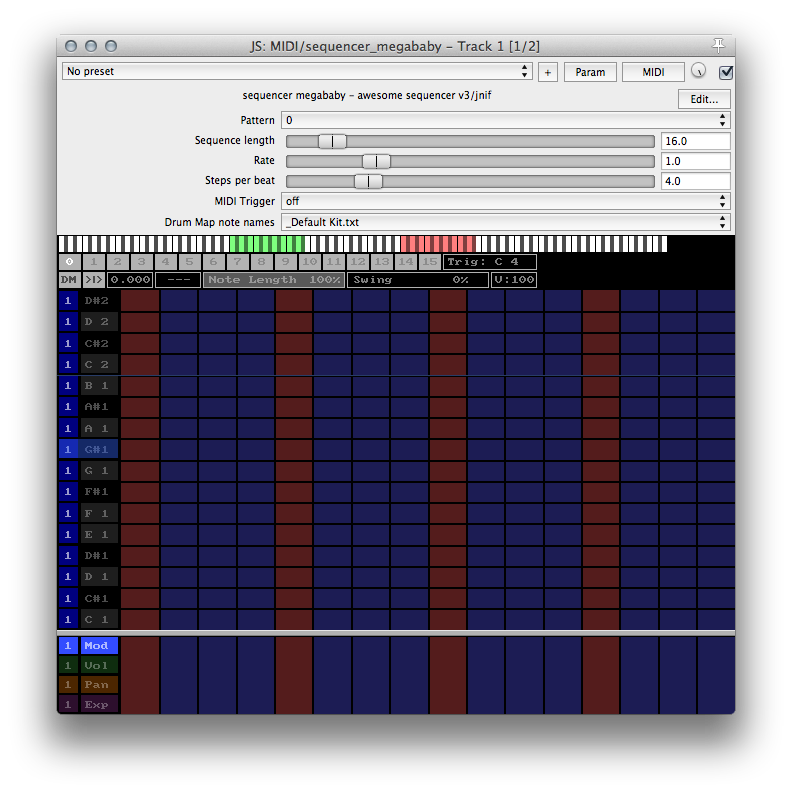
JS Effect Spotlight: Sequencer Megababy
Did you know REAPER includes over 250 audio effects? JS Effect Spotlight is a series of articles highlighting the often overlooked JS effects included with REAPER. If you’ve ever wished for a step sequencer in REAPER, look no further than JS: Sequencer Megababy by jnif. This plugin is included with REAPER.
-
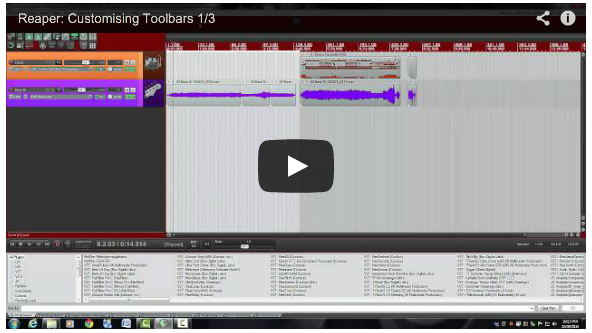
Video: Customising Toolbars Series
Toolbars are a great way to get all those often used actions easy access, especially if you have a hard time remembering keyboard shortcuts. Dan Mayes has created an excellent 3-part series on creating and using toolbars in REAPER.
-
Video Quick Tip: Render Item As New File
How to use the Render item as new file action as a mouse modifier. See it in use for programming MIDI with EZDrummer 2.
-
External Editor Setup and Workflow
In this video I explain how to set up an external editor and how I use iZotope RX3 for dialog editing.
-
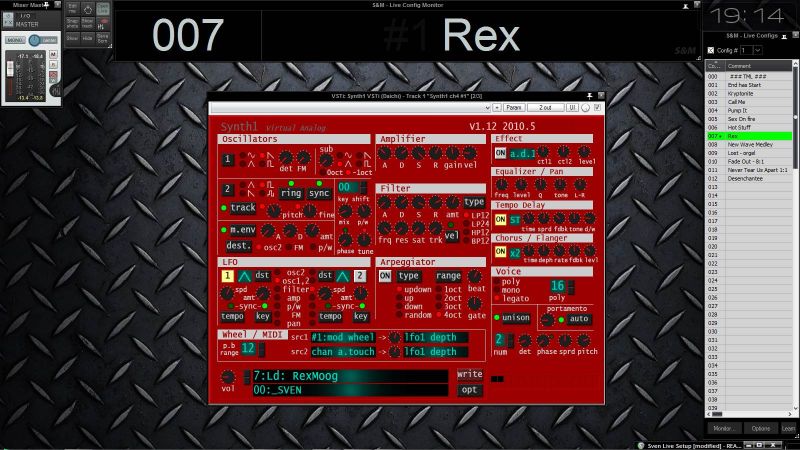
REAPER as live VST host with SWS Live Configs
Today I came across a really interesting way of using REAPER for a live concert situation. Sven uses SWS Live Configs and snapshots to load all the synths and effects he might need in a concert, and can recall them remotely from his keyboard with only a short delay. Sven says he’s really impressed with…
-
Video: Easy Song Rearranging
In this tutorial you will learn how to insert and delete time, how to move a whole song over to make room for an intro, how to use regions and more.