
-
Sound Effects Editing Workflow
Jon explains his process of creating a small sound effects/foley sound library. From recording to exporting you’ll learn a bunch of workflow tips and tricks for tackling these kinds of projects
-
Macro Controls – Link one parameter to many FX parameters
Create complex moving effects with a single knob to automate in the new Macro Controller JSFX
-
REAPER Blog Q&A #27 – VST2 3 or AU? Mixing Toms; Making a portfolio?
Q&A Time again – in this round I’m answering your questions on : PT vs REAPER mix routing terms; best plugin format; mastering; Tom mixing tips; and How to present a portfolio of your work.
-
What’s New In REAPER v5.77 – FX shortcuts, horizontal move guides and more
In this REAPER update we see track guides for moving items, improvements to Automation Item workflow, and assignable shortcuts to add FX and FX Chains to tracks and items.
-
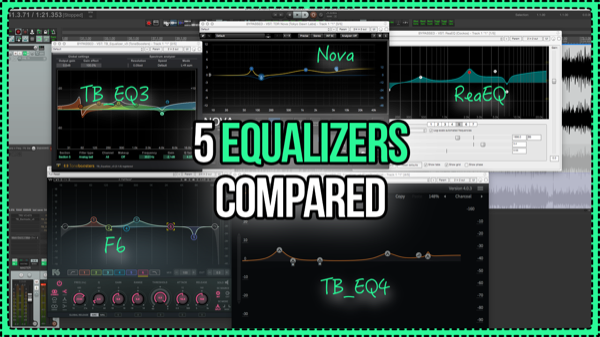
5 Equalizers Compared – ReaEQ vs Waves vs Toneboosters vs TDR
Comparing 5 powerful EQ plugins for mastering in REAPER. ReaEQ vs Toneboosters EQ v3 vs TDR Nova vs Toneboosters EQ v4 vs Waves F6
-
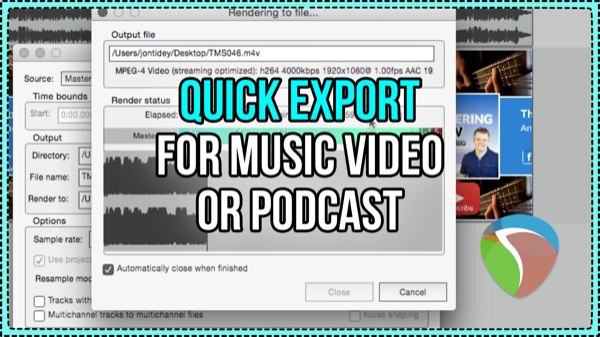
Quickly exporting video for a podcast or music
When your video project is just a still image like for a podcast or music video, set the project and export frame rate to 1 fps. REAPER can render that almost instantly!
-
Building a drum recording template in REAPER
In this video we look at some of the things to think about when preparing for a drum recording session and we build a basic template.
-
What’s New In REAPER 5.75 | Arrange view background; Subproject improvements
Learn about the new features and changes in REAPER 5.75
-
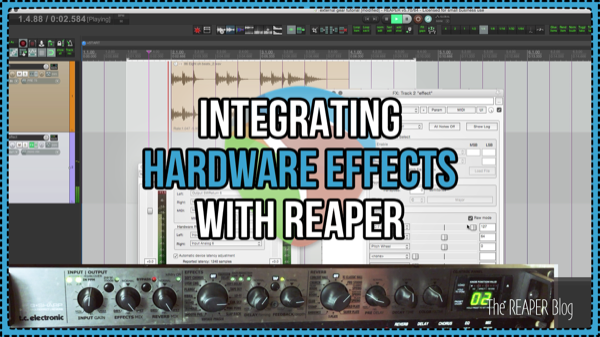
Integrating External Hardware Effects – ReaInsert, beat sync, and remote control
Learn how to connect external effects with the ReaInsert plugin, how to sync delay with MIDI Clock, and how to remote control the hardware through sending MIDI CCs.
-
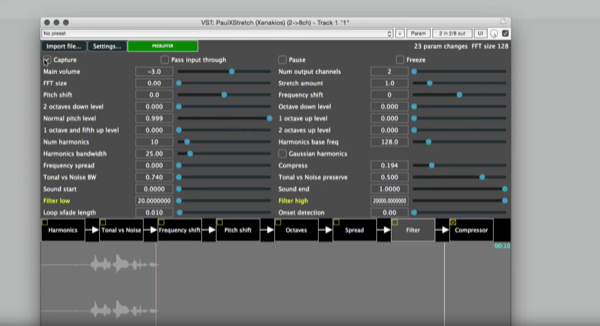
Xenakios PaulXStretch – new free VST
An exploration of sounds with PaulXStretch
-
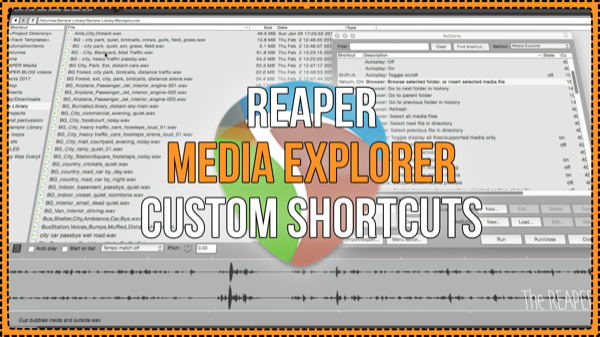
REAPER Media Explorer Custom Shortcuts
Work faster and smarter in REAPER’s Media Explorer window by customizing the keyboard shortcuts.
-
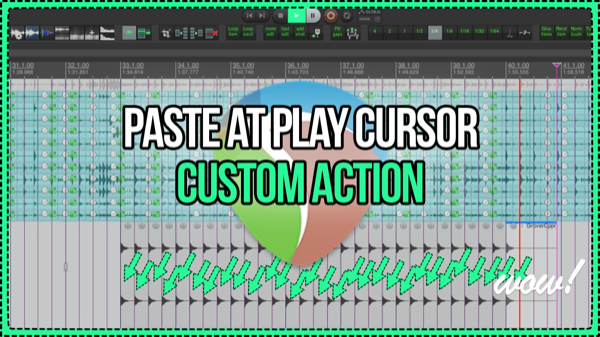
Paste at Play Cursor Custom Action – drop samples during playback
Build a custom action for REAPER to paste items during playback, with quantizing. A really quick way to add cymbals or tambourine or any one-shot sample into a project without using MIDI.
Need private REAPER lessons?
About
The aim of this website is to be an indispensable resource for the REAPER user community, providing news, reviews, tips & tricks, and detailed tutorials on music production using the REAPER software. Read More