
-
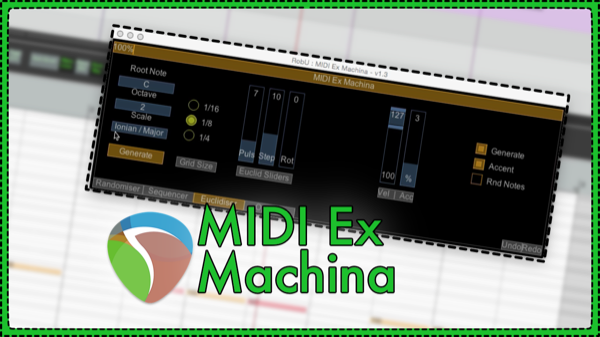
MIDI Ex Machina – MIDI Generator Script by RobU23
This new MIDI script for REAPER 5 enables generation of random MIDI notes, patterns and euclidean rhythms with ease. MIDI Ex Machina is a free script by RobU23 and can be added to REAPER through the ReaPack Extension.
-
Creating Drones and Backgrounds with Infinite Reverb
In this video we’re looking at how we can make interesting drones through the use of the infinite button in Audio Damage EOS. You’ll also learn a simple way to render the sound to the item without running it in realtime.
-
Quick Tip – Stutter Editing
Learn how to make basic stutter edits (CD Skip effect) in REAPER.
-
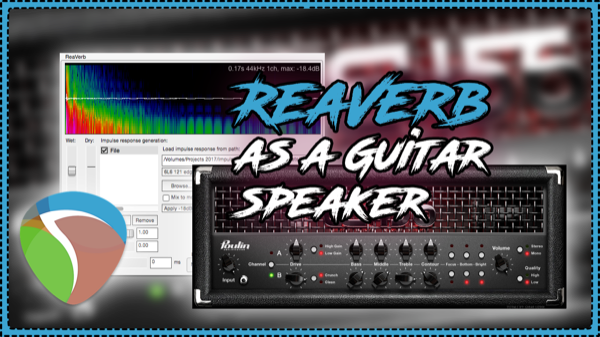
Using Guitar Speaker Impulse Responses In ReaVerb
In this video you’ll learn how to use REAPER’s ReaVerb plugin as a guitar cabinet and microphone to use with a guitar preamp emulation
-
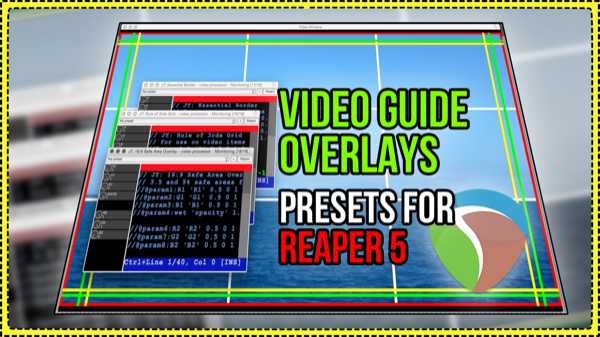
Video Guide Overlays – Video Processor Presets for REAPER 5
Jon shares three new presets for the Video Processor Plugin to help you with video production in REAPER. Use the Border, Rule of thirds grid, and Safe Area Overlays in the Monitoring FX Chain as guides in the video window.
-
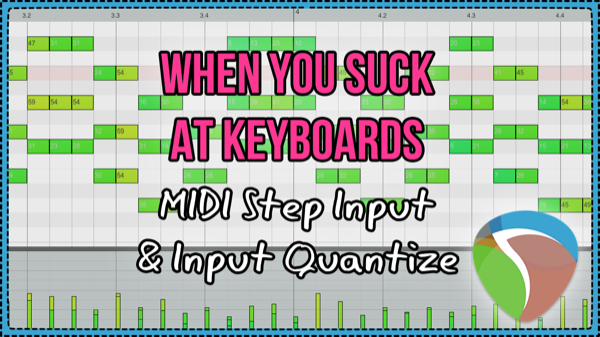
How To Use MIDI Step Input And Input Quantize in REAPER 5
Two MIDI input options you can use to get your musical ideas out faster, or explore creative opportunities beyond your musical skill.
-
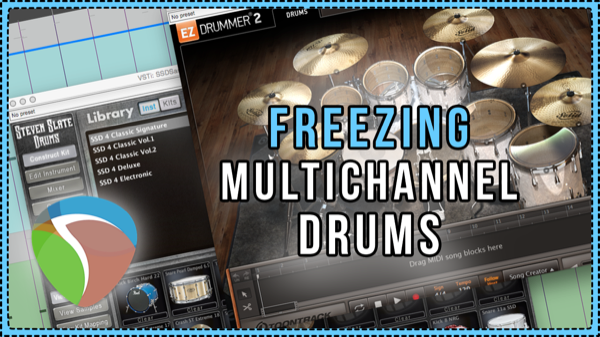
How to Freeze Multichannel Drum Samplers
How to freeze drum samplers (SSD4, EZDrummer2) as multichannel wav file to free up RAM in your REAPER project without compromising flexibility or the sound of your mix.
-
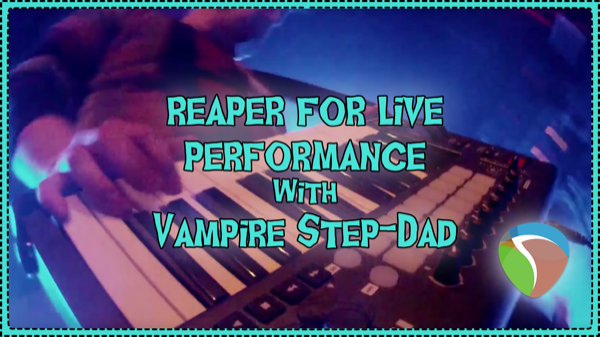
Using REAPER for live performances – Vampire Step-Dad Interview
Jon interviews Synthwave artist Vampire Step-Dad to find out all the details of his REAPER based live rig and more.
-
Ducking Vocal Reverb
A ducking reverb is one that gets out of the way of the source while present. This is achieved with sidechain compression. This video will show you how to set that up inside REAPER.
-
The REAPER Blog Q&A # 22 – Normalizing is bad; favorite plugins; mics for podcasting and more
Answering your questions about: VU Meters; Normalizing; Trim Volume automation; REAPER plugins VS 3rd party; and Podcasting.
-
Video Interview Editing Tips – Video Production In REAPER
A look at the post production session for an interview, with tips on faking a second camera angle, editing rules of thumb, adding movement to static B-Roll, and more.
-
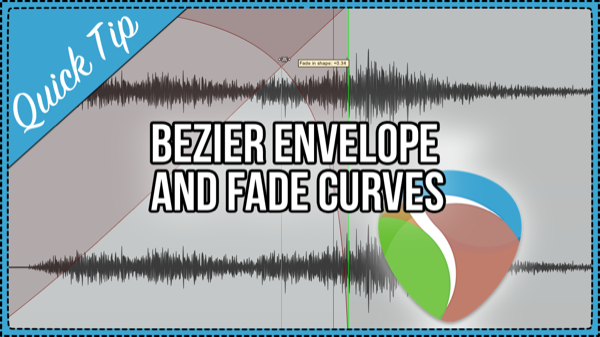
Quick Tip – Bezier Envelope and Fade Curves
In this quick tip video: drag to adjust Bezier Curves for fades, crossfades and automation envelopes.
Need private REAPER lessons?
About
The aim of this website is to be an indispensable resource for the REAPER user community, providing news, reviews, tips & tricks, and detailed tutorials on music production using the REAPER software. Read More