
-
Quick Tip – Setting fader levels with a MIDI controller Mod wheel
Using a MIDI controller mod wheel to quickly set mix level balances.
-
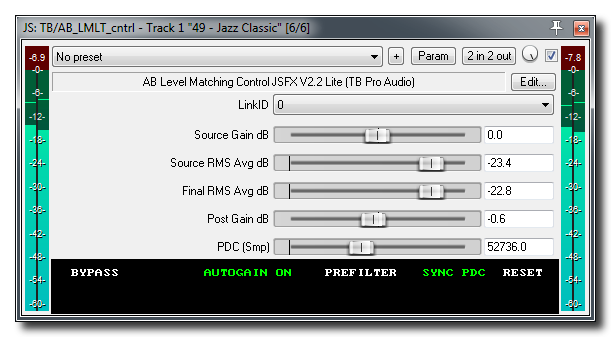
AB Level Matching JSFX
Free JS plugins for perfect level matched AB comparisons.
-
Quick Tip: Smart fx folders in REAPER 5
In this video you’ll see a new feature in the FX Browser that makes organization incredibly easy.
-
REAPER Portable Install option
Kenny explains why you might want to do a portable install and how to set it up.
-
Punk Duck Audio Defender JSFX
Video tour of the audio ‘watermarking’ plugin for REAPER. Protect your mixes!
-
Quick Tip – How To Install JS Plugins
There are tons of great free plugins in REAPER’s exclusive JS format. In this quick video tutorial you’ll learn how to install and access them in REAPER.
-
Quick Tip – Video Transform Options
Jon demonstrate the various transform options in the video source properties window for flipping and rotating video clips.
-
REAPER 5 Video Editing Template
Jon shows some of the new video features in REAPER version 5 and how to set up a template and layout for working with videos.
-
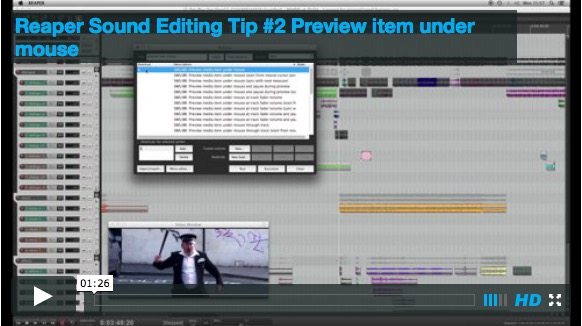
Post Production workflow tips from Vordio
Quick audio post-production tips & tricks videos from Vordio
-
Surround Mixing with Ryan Canestro
This video covers setting up REAPER to mix 6-channel surround from stems and the ReaSurround plugin.
-
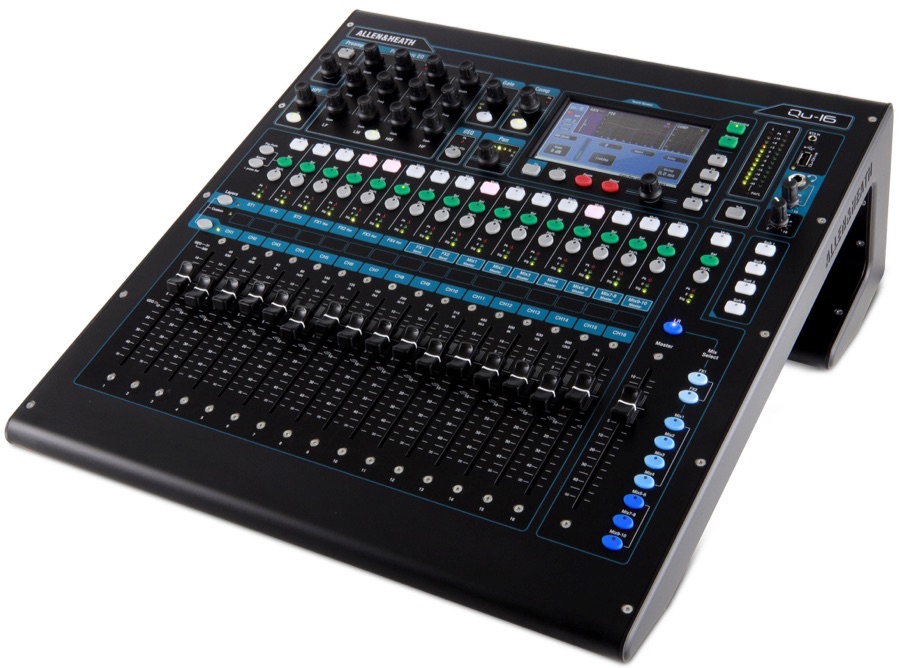
Allen & Heath Qu-16 setup with REAPER
The Allen & Heath Qu-16 is a compact 16 channel digital mixer, audio interface, and control surface. It has a very impressive list of features and functions. You can find out more about the Qu-16 here This tutorial was sent in from Ian Tomlinson and explains how to get the Qu up and running as…
-
REAPER Blog Q & A # 4
The YouTube channel has passed 2000 subscribers and the fourth Question & Answer video just went up. In this video: 00:34 – What theme are you using? 02:07 – Tips for processing lead guitars? 02:56 – When do you choose to use Save As or make a Snapshot? 03:49 – How to hide marker lines…
Need private REAPER lessons?
About
The aim of this website is to be an indispensable resource for the REAPER user community, providing news, reviews, tips & tricks, and detailed tutorials on music production using the REAPER software. Read More