
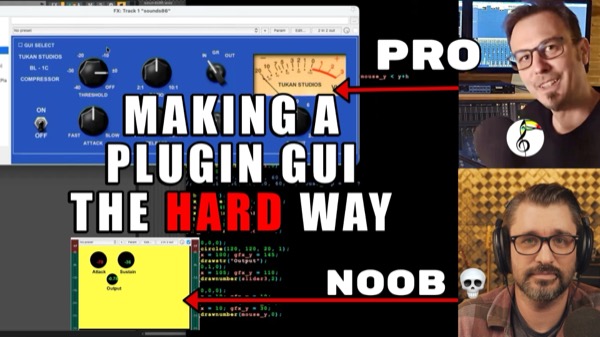
I spent two hours with John Matthews of Tukan Studios to walk through the basics of graphics in the JSFX code language, and it is clearly much more work than it appears.
We also talk about some of the limitations of JSFX coding, issues of using AI for this kind of work, and look at some really impressive UIs from Saike.
If you want to make your own GUI for JSFX you can get John’s GUI tools here https://stash.reaper.fm/v/53055/tk-gui-tools.zip
0:00:00 - Welcome John Matthews
0:02:21 - on using AI for plugin development
0:05:57 - Let's add a UI to this plugin
0:07:00 - Planning the UI
0:11:28 - explaining the code sections
0:13:26 - The @gfx section begins
0:15:23 - Drawing the graphics
0:29:20 - making a function
0:33:16 - Labels
0:38:46 - make functions for anything that is repeated
0:42:26 - Mouse interaction
0:47:56 - Mouse collision function
0:51:35 - Is mouse pressed
0:52:40 - This is a slow process
0:54:56 - Using a UI toolkit
1:00:47 - Knob config
1:04:23 - knob_mouse_action
1:12:47 - Hiding default UI sliders
1:14:18 - Limitation of JSFX
1:16:42 - UIs with image files
1:18:44 - Examples of some of our favorite JSFX UI
1:22:32 - Probably a lot harder than you thought
🦋 BlueSky – https://bsky.app/profile/reaper.blog
📘 Facebook Page – https://facebook.com/thereaperblog
🤷 Facebook Group – https://facebook.com/groups/reaperblogcommunity
👏 Patreon – https://patreon.com/thereaperblog
📷 Gear I use – https://kit.co/reaperblog
Leave a Reply