
Category: TUTORIAL
-
How To Make a Basic Custom Action Remote For REAPER
How to make a basic remote control for triggering actions in REAPER. Basic html and css skills required.
-
A Sound Designer’s Template, Audio Post Tools and Tips – Interview with Vijay Rathinam PT2
Sound Designer Vijay Rathinam explains the REAPER templates he uses for surround sound, all the considerations for compatibility with Pro Tools, and some of his favorite tools and techniques.
-

Streaming Audio From REAPER with ReaCast and SHOUTcast – Personal internet radio station
How to get set up with SHOUTcast and how to use the ReaCast plugin in REAPER to broadcast audio from your session to the internet.
-
Pitch and Time Stretch Algorithms Compared for Music Production
Comparing REAPER’s pitch and time stretching algorithms for music production purposes – time aligning layered vocals, vocal tuning, and quantizing drums.
-
How to: Long Song Fade Out
A long fade out to end a song isn’t as popular today as it once was but it still comes up from time to time. Have you ever thought about the best way to do that in a DAW?
-
Extreme Time Stretching – 7 REAPER Algorithms Compared
A stress test for REAPER’s built-in time stretching algorithms (Video)
-
What’s New in REAPER 5.60 | Automation item & Spectral Editing Improvements; Rectified waveform view
REAPER Update 5.60 update is here and with it comes some fantastic new features for Automation and Spectrogram editing, plus new waveform views (rectified and square root scaled) and tons more. Jon explains all the new features in this video.
-
How to: Basic Video Transitions In REAPER
Learn how to easily add four different kinds of video transitions to your video edit in REAPER.
-
How to make Custom Toolbar Icons for REAPER
It’s easy to make custom toolbar icons to use in REAPER. Find out how in this video
-
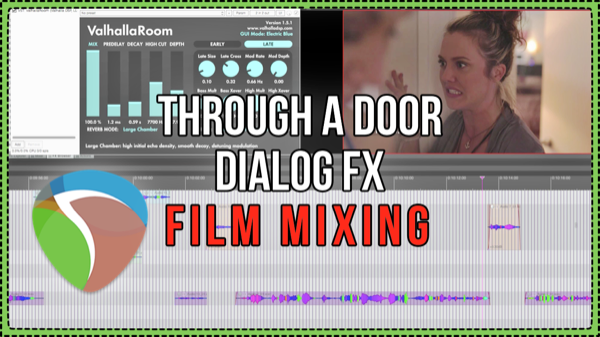
Voice Through A Door Dialog FX Processing – Film Mixing in REAPER
Learn about matching ambience and creating a space with reverb for dialog mixing, the tools and the thought process. Plus tips on using REAPER for film mixing.
-
What’s new in REAPER v5.51 – Mobile headphone mixer; ReaTune updated
See the latest REAPER features demonstrated including the new Web Interface Layout for mobile headphone mixes and updates to ReaTune.
-
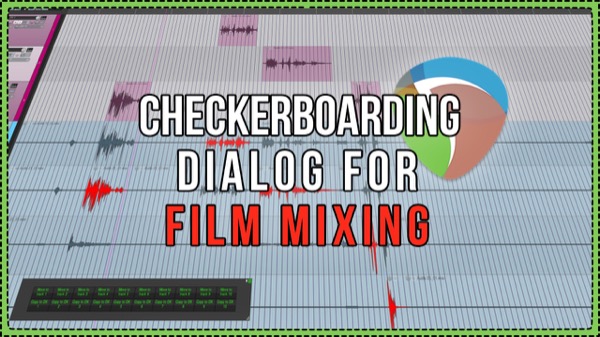
Checkerboarding Dialog – Workflow and Custom Actions for Film Mixing
Checkerboarding is when you split up the dialog for a film into separate tracks for each character, line by line. If the film’s editor hasn’t already done this before sending to for mixing, this can be quite a time consuming task. Luckily we can speed this up with custom actions.