
Category: TUTORIAL
-
Select Time Between Items Custom Action
Jon explains a simple custom action and how to assign it to run from a double-click. The action finds the nearest item edges on left and right of the edit cursor and sets the time selection around the item or gap between items.
-
Moving Automation With Items
How to move, or prevent moving, of track automation along with audio and MIDI items. Essential REAPER knowledge.
-
EDM Production Tricks In REAPER – Intense Buildups and Formant Shifting
Jon explains how to make an intense filtered buildup transition and how to use Formant shifting on drums
-
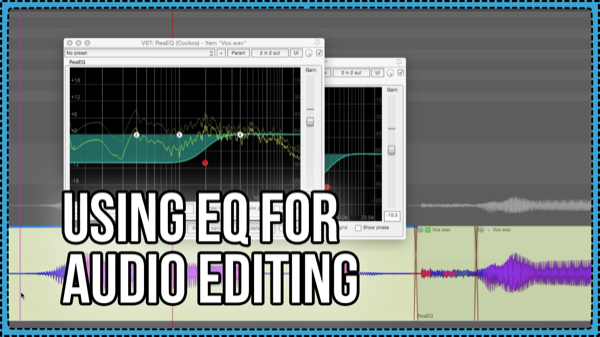
Using EQ for Audio Editing – reduce plosives, crackles, and click bleed
How to use the ReaEQ plugin for cleaning up annoying noises in a vocal, such as plosives and fizzy effs, and reducing click bleed in drum tracks. Plus a trick to copying the fx chain from one item to all selected items. And, how to show the item fx buttons on media items.
-
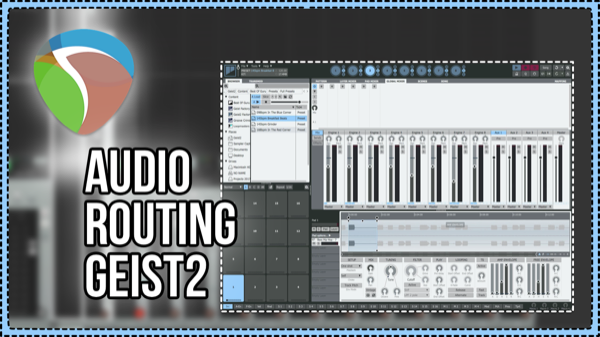
Audio Routing For FXPansion Geist2
We explore the routing options and create a REAPER Track template for Multi-channel outputs with FXPansion Geist2 sampler.
-

MP3 is DEAD (but not really) Anyway, here’s how to Export an AAC from REAPER
How to export your project as AAC Format in REAPER.
-
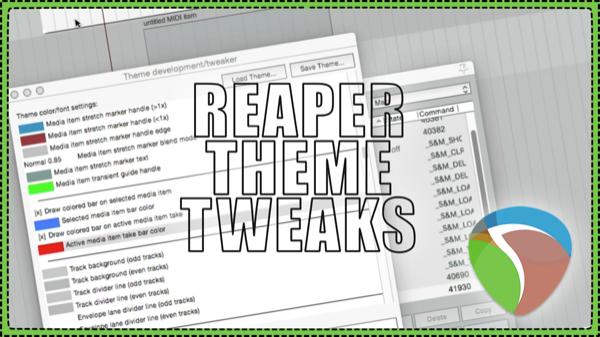
Recommended Theme Tweaks
6 easy changes for REAPER’s interface / theme to improve visibility and ease of use.
-
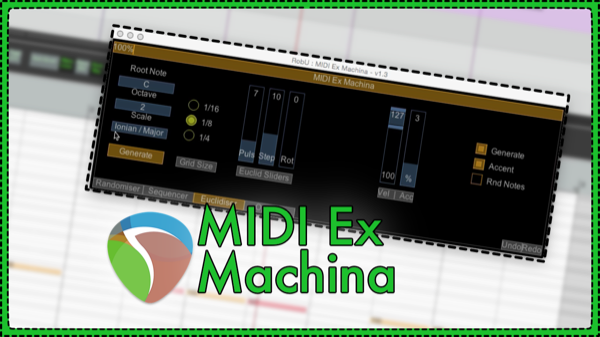
MIDI Ex Machina – MIDI Generator Script by RobU23
This new MIDI script for REAPER 5 enables generation of random MIDI notes, patterns and euclidean rhythms with ease. MIDI Ex Machina is a free script by RobU23 and can be added to REAPER through the ReaPack Extension.
-
Creating Drones and Backgrounds with Infinite Reverb
In this video we’re looking at how we can make interesting drones through the use of the infinite button in Audio Damage EOS. You’ll also learn a simple way to render the sound to the item without running it in realtime.
-
Quick Tip – Stutter Editing
Learn how to make basic stutter edits (CD Skip effect) in REAPER.
-
Using Guitar Speaker Impulse Responses In ReaVerb
In this video you’ll learn how to use REAPER’s ReaVerb plugin as a guitar cabinet and microphone to use with a guitar preamp emulation
-
Video Guide Overlays – Video Processor Presets for REAPER 5
Jon shares three new presets for the Video Processor Plugin to help you with video production in REAPER. Use the Border, Rule of thirds grid, and Safe Area Overlays in the Monitoring FX Chain as guides in the video window.