
Category: TUTORIAL
-
What’s New in REAPER 5.25 – 5.28
Jon catches up on the changes and features added in versions 5.25, 5.26, 5.27 and the latest 5.28 updates.
-

Mixing with Tremolo Auto-pan on Vocals
How to use a stereo tremolo on vocals for an interesting fluttery effect that also improves dynamic contrast in a mix.
-
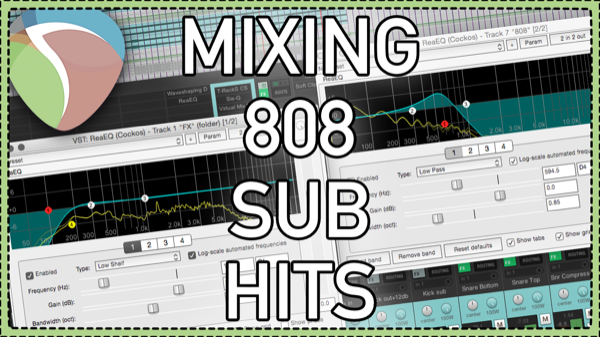
Audio Controlled Parameter Modulation
A tip for making space for big 808 sub hits in a mix using audio-controlled parameter modulation on filters. Sidechain triggered EQ!
-

Fading multiple items – How to Batch Fade in REAPER 5
Learn how to apply fades across many items at once in REAPER 5.
-
Audio Testing Project Template
Video Tutorial on analyzing and visualizing the changes to your audio by your plugins, both intentional and unintentional. Sending sine wave tones and sweeps through plugins at various levels and see what comes out the other side in a Frequency spectrum Analyzer and a Spectrograph.
-
Ripple Trim and Preview Edit Custom Action – REAPER Dialogue Editing Quick Tip
For everyone doing voice editing in Ripple mode, you often need to listen to every edit to hear the timing in context. This custom action will save you a bunch of time and mouse clicks.
-
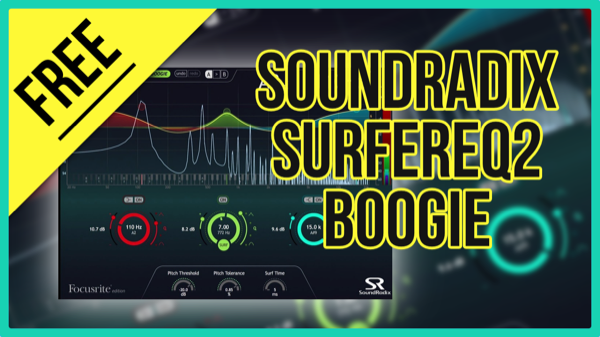
SurferEQ2 Boogie – Free pitch tracking EQ!
a limited version of SurferEQ2 but it can do that unique pitch tracking action on one of the bands. It might not be your new track EQ for everything, but that pitch-tracking function is surely something missing from your other EQs.
-
REAPER Album Mastering Workflow – 2016 update
Learn how to organize and work through an album mastering project in REAPER. Updated for 2016 with new techniques.
-

Audio Analysis Tools in REAPER
Free plugins to test and visualize what’s happening with your audio, all free with REAPER.
-

The REAPER Blog Q&A #16 | jack of all trades; how to mix a live album and more
In this Q&A session Jon answers questions on: jack of all trades; SWS Extensions; Mono plugins for mono tracks; mixing a live concert recording; buying music in 2016; and more
-
Super Slow Motion Sound Design With Emily Halberstadt
Emily gives us a look inside the sound design project for “Holding an Explosion at 20,000fps” from the Smarter Everyday YouTube Channel. Why sound design for Slow mo is needed, strategies, effects and more.
-

2 ways to Hide Plugins from REAPER’s FX Browser
How to hide unused, unwanted or broken Plugins from REAPER’s FX Browser.