
Category: TUTORIAL
-
Quick Tip – How To Install JS Plugins
There are tons of great free plugins in REAPER’s exclusive JS format. In this quick video tutorial you’ll learn how to install and access them in REAPER.
-
Quick Tip – Video Transform Options
Jon demonstrate the various transform options in the video source properties window for flipping and rotating video clips.
-
REAPER 5 Video Editing Template
Jon shows some of the new video features in REAPER version 5 and how to set up a template and layout for working with videos.
-
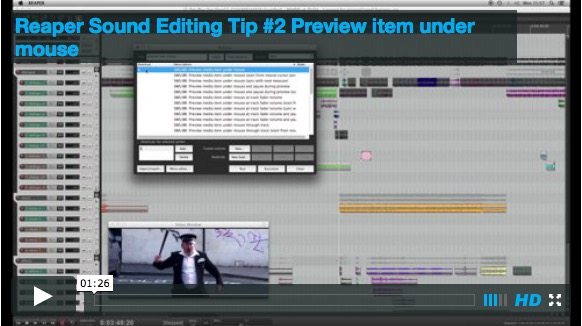
Post Production workflow tips from Vordio
Quick audio post-production tips & tricks videos from Vordio
-
Surround Mixing with Ryan Canestro
This video covers setting up REAPER to mix 6-channel surround from stems and the ReaSurround plugin.
-
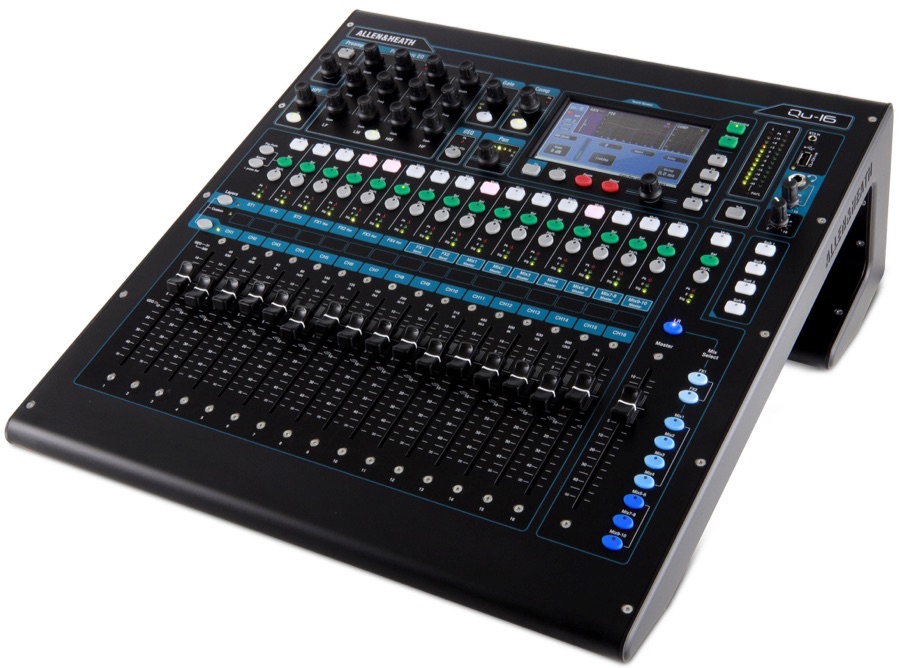
Allen & Heath Qu-16 setup with REAPER
The Allen & Heath Qu-16 is a compact 16 channel digital mixer, audio interface, and control surface. It has a very impressive list of features and functions. You can find out more about the Qu-16 here This tutorial was sent in from Ian Tomlinson and explains how to get the Qu up and running as…
-
REAPER Blog Q & A # 4
The YouTube channel has passed 2000 subscribers and the fourth Question & Answer video just went up. In this video: 00:34 – What theme are you using? 02:07 – Tips for processing lead guitars? 02:56 – When do you choose to use Save As or make a Snapshot? 03:49 – How to hide marker lines…
-
Home Recording Tutorials from Viking Guitar
Learn the basics of making demos in REAPER in this series of tutorials from Erik Peabody.
-
SWS Snapshots Video Tutorial
Jon demonstrates the SWS Snapshots function to capture and paste mix settings from one song to another.
-
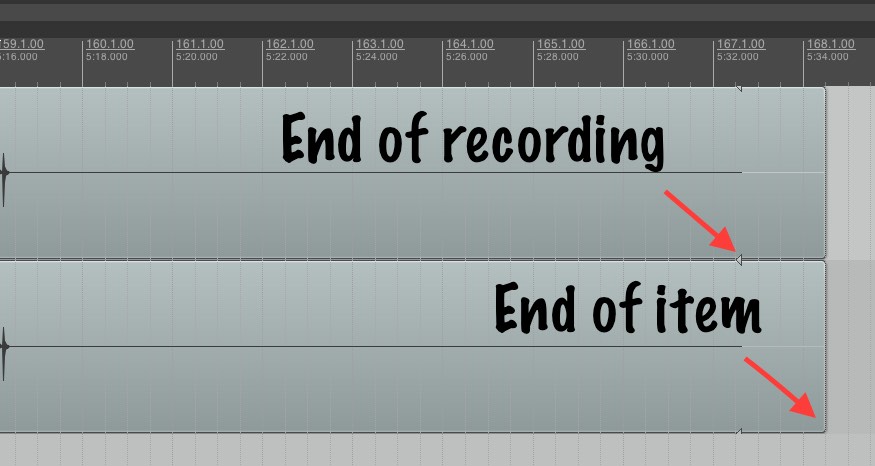
Working with Takes in REAPER
It’s far too easy to get into a confusing and messy situation with the reaper takes system, especially when working with multiple tracks at once. Here is my workflow for managing takes during the recording process.
-
REAPER Setup for Voiceover with Will Irace
Tutorial video (1hr): Will Irace takes us through his REAPER customization and workflow for voice recording. Jon comments with workflow improvements and
-
Ryan’s Switch To REAPER – Expert Support Session
Jon helps Ryan on his first day in REAPER after a decade of using Pro Tools.