
Category: TUTORIAL
-
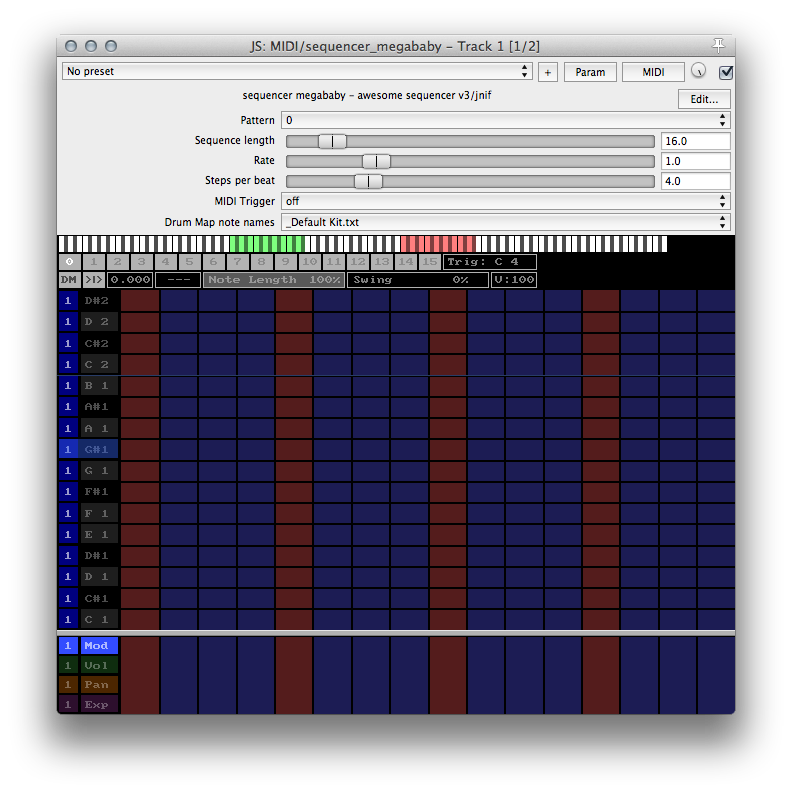
JS Effect Spotlight: Sequencer Megababy
Did you know REAPER includes over 250 audio effects? JS Effect Spotlight is a series of articles highlighting the often overlooked JS effects included with REAPER. If you’ve ever wished for a step sequencer in REAPER, look no further than JS: Sequencer Megababy by jnif. This plugin is included with REAPER.
-
Video: Customising Toolbars Series
Toolbars are a great way to get all those often used actions easy access, especially if you have a hard time remembering keyboard shortcuts. Dan Mayes has created an excellent 3-part series on creating and using toolbars in REAPER.
-
Video Quick Tip: Render Item As New File
How to use the Render item as new file action as a mouse modifier. See it in use for programming MIDI with EZDrummer 2.
-
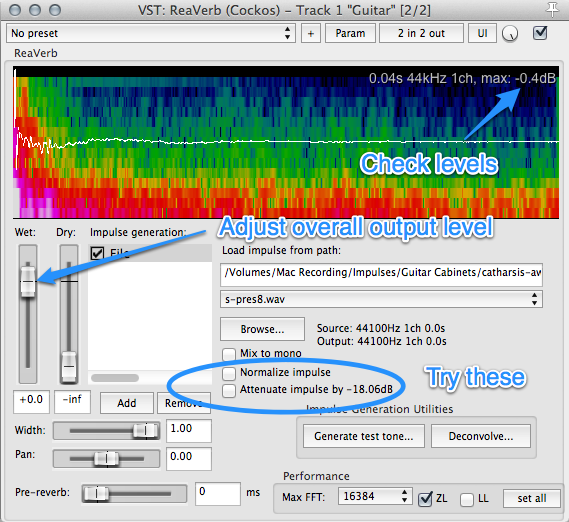
How to use ReaVerb as a virtual guitar cabinet
ReaVerb can be used to load an impulse response of a guitar cabinet (and microphone and room). This tutorial explains how to set that up.
-
External Editor Setup and Workflow
In this video I explain how to set up an external editor and how I use iZotope RX3 for dialog editing.
-
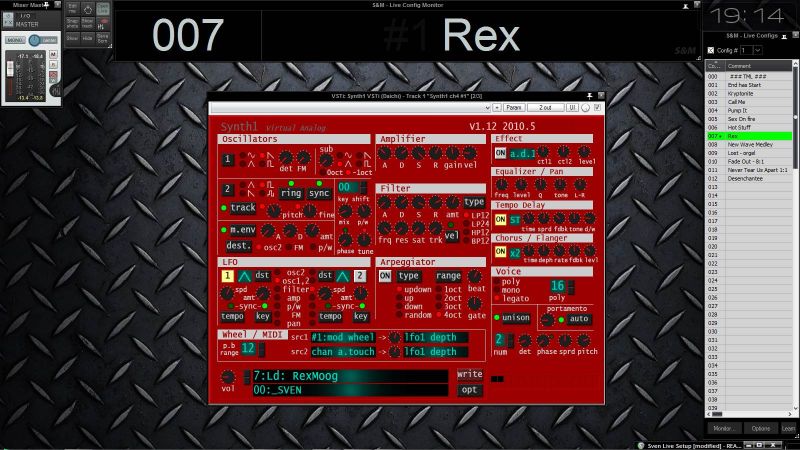
REAPER as live VST host with SWS Live Configs
Today I came across a really interesting way of using REAPER for a live concert situation. Sven uses SWS Live Configs and snapshots to load all the synths and effects he might need in a concert, and can recall them remotely from his keyboard with only a short delay. Sven says he’s really impressed with…
-

Video: Easy Song Rearranging
In this tutorial you will learn how to insert and delete time, how to move a whole song over to make room for an intro, how to use regions and more.
-
Video: Editing Podcasts in REAPER
In this video I explain my podcast & dialog editing workflow in REAPER. The powerful custom actions used in this video can be applied to any kind of audio editing and dramatically speed up the production process. Check out the Home Recording Show Podcast
-
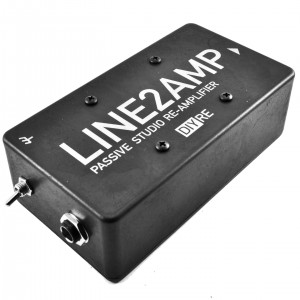
Video: How To Re-Amp in REAPER
In this video I show you how I set up to re-amp guitars in REAPER.
-
REAPER Quick Tip – A/B Compare Plugins
In this short tutorial I show you how to quickly compare plugins within a chain. This is super useful when in a mix, trying out different compressors or EQ or many effects at once and need to quickly toggle between 2 different configurations. I hope you find this useful.
-
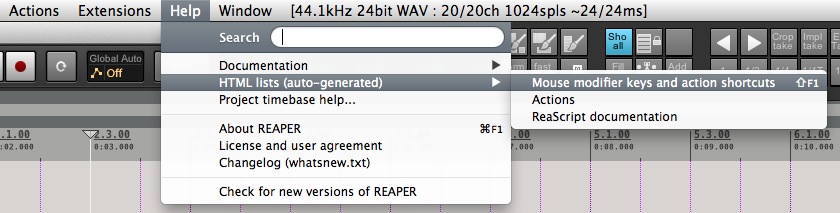
Printable custom keyboard shortcut and mouse modifiers list
If you’ve made a lot of changes to REAPER’s keyboard shortcuts, you might find it helpful to have a printed list to reference. Find out how to create one in this easy tutorial.
-
REAPER 201 – How To Remove All Track FX And Reset Mixer
Find out how to reset a project to default, removing all fx and returning faders to unity.