
Yes ! REAPER can do video editing too !!
You can make vlogs, podcasts, tutorials, lyric videos and more…
…But out of the box it’s a bit tough, like assembling Swedish furniture without a wrench or instructions.
REAPERBLOG Video Tools is the essential pack of tools for making videos in REAPER, plus the knowledge to use them creatively and effectively.
This video course is hosted by Jon Tidey of The REAPER Blog who has now made hundreds of videos in many styles using REAPER 5-7 exclusively for editing.
These presets significantly improve editing workflow and provide many functions not included with REAPER’s presets, such as basic video cropping, colored text with drop shadow, guide lines, borders and more.
REAPER Video Processor Presets
| Video Controls | Noise Generator Color |
| Color Controls | Mouse Position Guide |
| Text Overlay with drop shadow | Dim background around selection |
| Simple Text Overlay | 16:9 Safe Area Guide 2 |
| Black & White Filter | Time Counter (seconds) |
| Draw Box Annotation | Letterbox Overlay |
| Lighten/Screen Overlay | Glitch Effector |
| Frame Center Guide | Glitch Lines |
| Border Guide | Glitch Text Overlay |
| Rule of 3rds Guide | Glitch Blocks Fixed Color |
| 16:9 Safe Area Guide | Glitch Blocks Random Color |
| Solid Color | Random Text Generator |
| Solid Color (adjustable Size) | Gradient Color Fill |
| Horizontal line | Item fades to slide transitions |
| Vertical line | Item fades to corner slide transitions |
| Solid Color (adjustable size with border) | Item fades to crop transitions |
| ADR / Foley Cue Marker 1 | item fades to zoom transitions |
| ADR / Foley Cue Marker 2 | Item fades to Pan |
| Noise Generator |
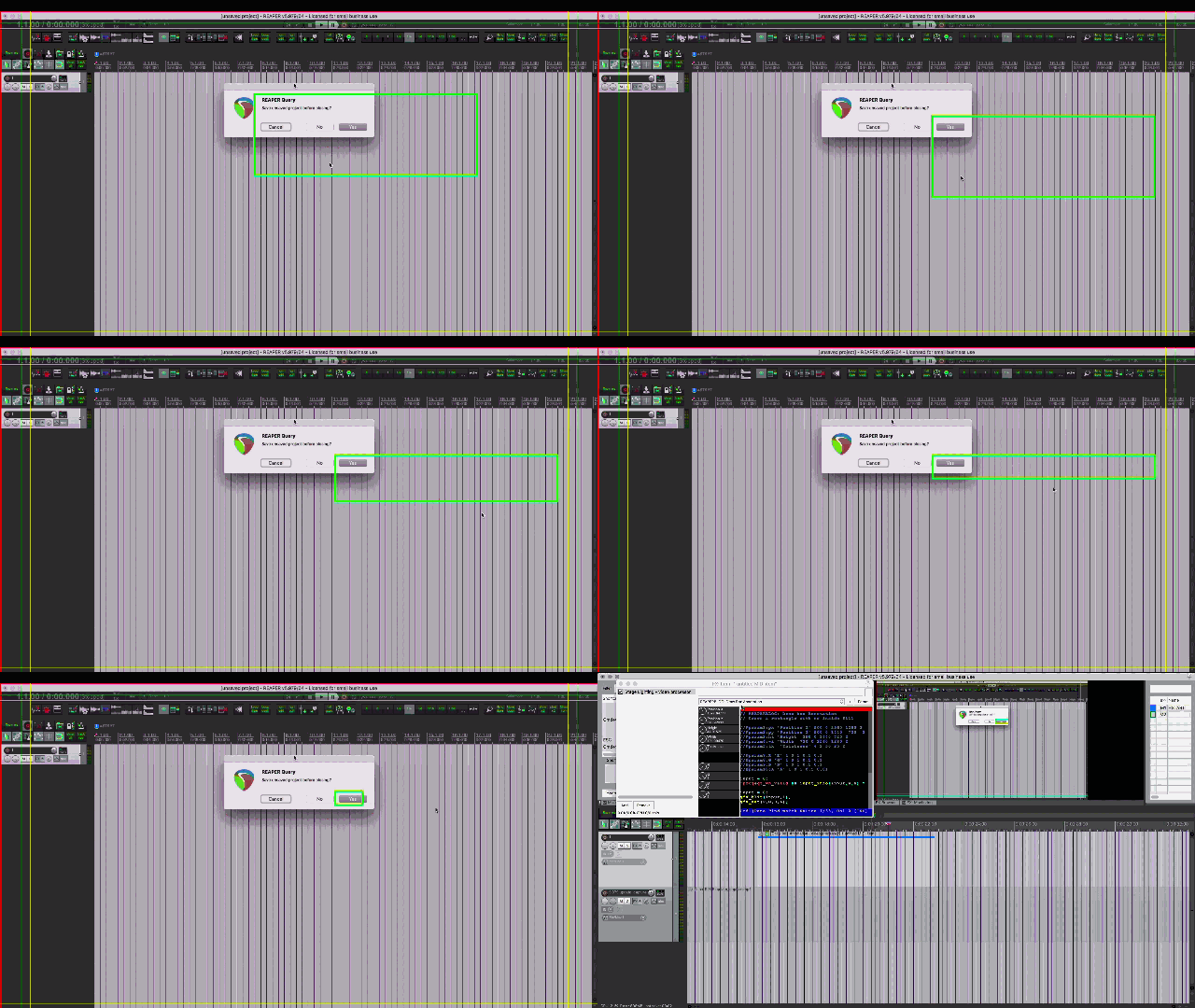
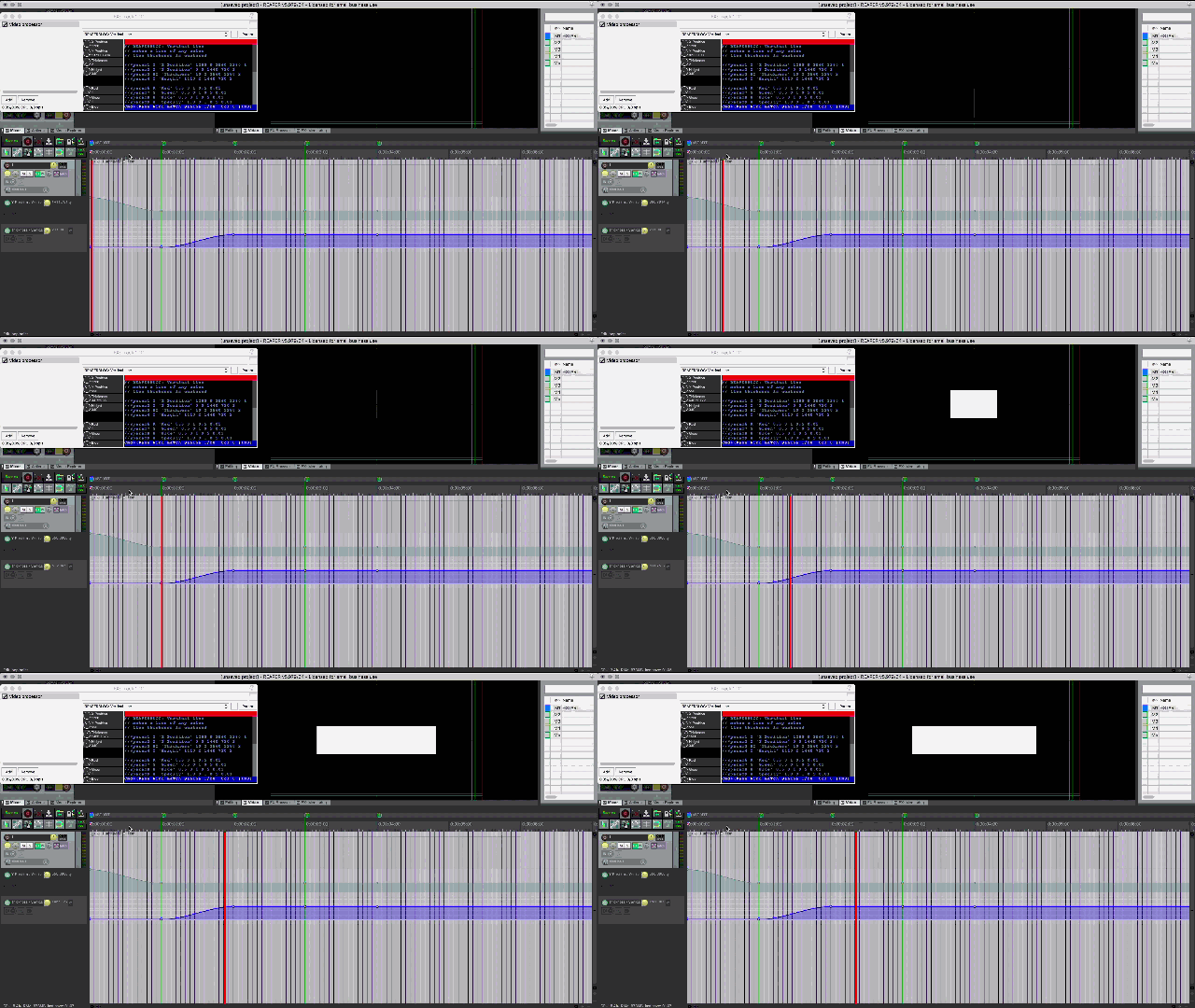
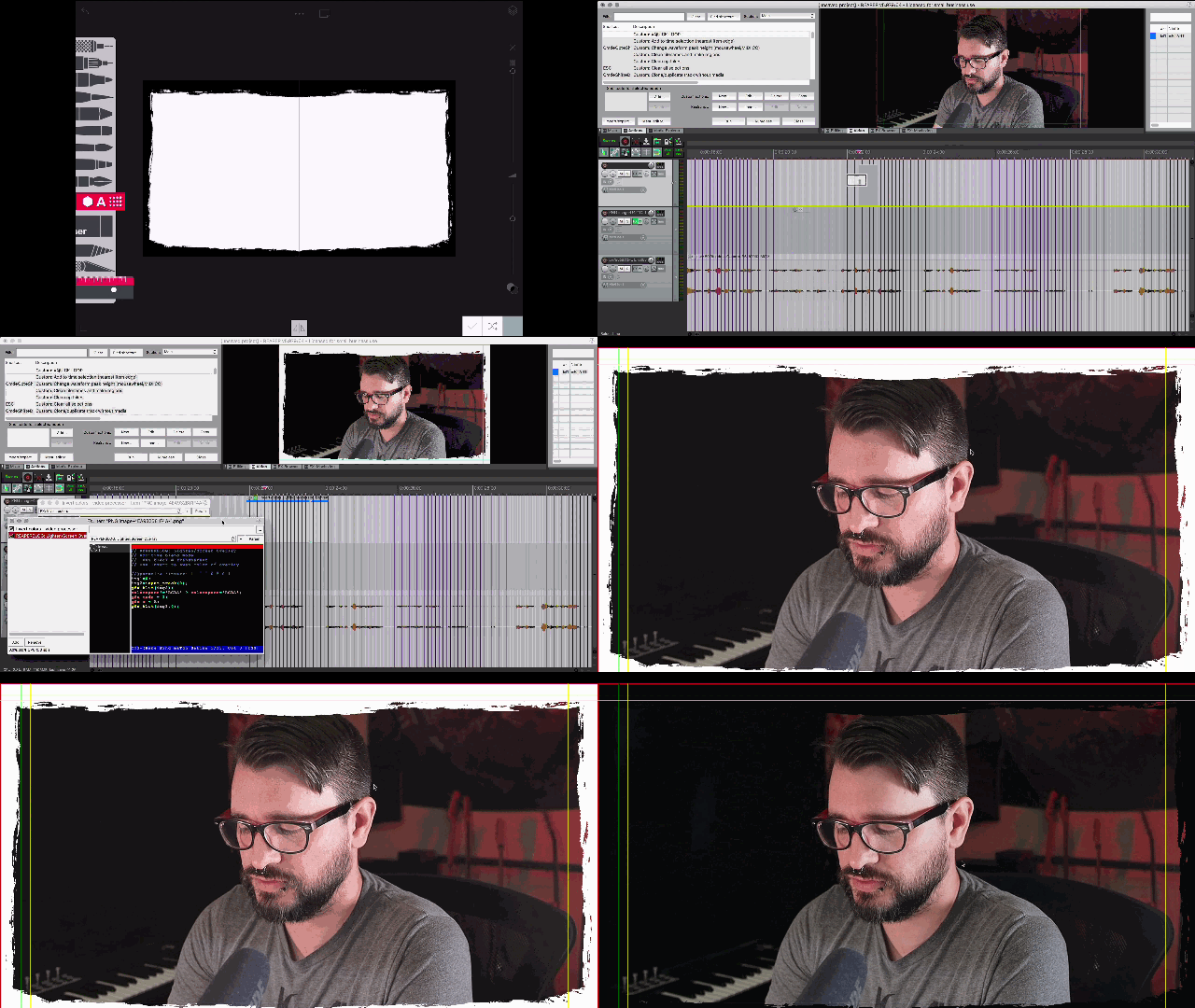
Learn how to use the Video Tools presets plus:
- How to edit faster
- How to layer hand-drawn text and other image layers over video
- How to automate parameters of the video processor for custom lower-thirds, picture in picture, and more.
- How to link parameters to mouse drag and mousewheel for FAST positioning of image elements
- How to create shortcuts to reuse your favorite visual effects
- And see inside Jon’s efficient tutorial editing template
The 1.1 update adds 7 new presets, improvements to nearly all previous presets and 3 new tutorial videos.
- 7 New presets:
- Noise Generator
- Noise Generator Color
- Mouse Position Guide
- Dim background around selection
- 16:9 Safe Area Guide 2
- Time Counter (seconds)
- Letterbox Overlay
- 3 New tutorial videos
- 1.1 new presets
- Noise Generators
- Custom actions and Scripts
- Fixed minor overlap issue in guide presets
- Font selector added to text overlay presets
- Color mode selection added to guides and color fill
- Hints (size display in pixels) added to box annotation and solid color adjustable size presets
- Color selection in presets now use 0-255 standard RGB instead of 0-1 float.
- Various optimizations
The 1.5 update adds 12 new presets and 2 new tutorial videos
- List of new presets in 1.5 update
- Glitch Effector – Random video color corruption that updates every frame
- Glitch Lines – overlay randomized color stripe
- Glitch Text Overlay – generate text with random color glitch effects
- Glitch Blocks Fixed Color – random rectangles of a single color
- Glitch Blocks Random Color – random rectangles of random color
- Random Text Generator – generate a random string of text characters
- Item fades to slide transitions – transition a video into/out of view based on length and shape of item fade starting from edge.
- Item fades to corner slide transitions – transition a video into/out of view based on length and shape of item fade starting from corner.
- Item fades to crop transitions – reveal a video into/out of view based on length and shape of item fade.
- item fades to zoom transitions – grow/shrink transition based on length and shape of item fade. Centered or from corners
- Item fades to Pan – simple “Ken Burns effect” horizontal or vertical movement on zoomed image based on length of fade.
- New tutorial videos
- Texture effects
- 1.5 update presets overview
Bonus content added since launch
- 70 Light Transition video clips to enhance your edits (added Oct 2019)
- New tutorial video on using light transitions (added Oct 2019)
- New tutorial on moving camera / manual motion tracking effects (added Feb 2020)
- New tutorial on title text reveal effects (added April 2020)
- New tutorial on Video playback optimization and best practices (added Aug 2020)
- New tutorial on Ripple Editing tips (added Aug 2020)
- New tutorial on Texture Effects (added July 2021)
- New tutorial on using v1.5 tutorials (added July 2021)
single payment of $30
Estimated Time: 2hr +
Difficulty: Intermediate


Leave a Reply