
-
Reverse panning Tracks
In this video tutorial I show you a really quick way to reverse the panning of multiple tracks using the stereo width control. Player vs audience perspective? Who cares! it’s two seconds to flip.
-
Exclusive Solo in REAPER
A quick tutorial video showing how to use the exclusive solo function. Use this when you want to solo a track and un-solo all other tracks. Great for doing shootouts. The shortcut for exclusive solo is CMD+Option (Mac) or CTRL+ALT (PC), then click the solo button.
-
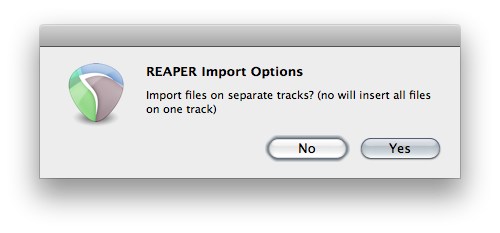
REAPER 101: Importing Multiple Audio Files
REAPER 101 is a series of short articles to help beginners get started with REAPER quickly. This tutorial will show you how to import multiple audio files into REAPER. The simplest way to import audio into REAPER is by dragging the files in from Windows Explorer/OSX Finder. You can also use the “Import Media…” command…
-

REAPER 4.26 Update
The Version 4.26 update was released August 17 2012 including a long list of small changes and fixes. Some of the changes that caught my attention were: Batch converter: automatically create output directories Video: Added button in render dialog to grab the current video file’s width/height/framerate ReaEQ: actions to insert these FX will open/close the…
-
Video: Quick Theme Install
How to install REAPER themes
-

RIGHT-CLICK ALL THE THINGS!
Anything that can be clicked in REAPER will usually have extra functions in a context menu found by right-clicking. This is a super simple tip but something a lot of new users may not be aware of. Many of these are shown below, but there are more.
-
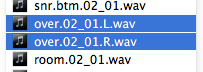
Working with split stereo audio in REAPER
If you do a lot of collaboration with users of other DAWs, or a lot of mixing for other people, you’ll run into split stereo files pretty often. This article shows two ways to combine 2 mono files on separate tracks into a stereo file on one track. Both methods use basic REAPER functions so…
-
REAPER 4.25 Update
After about 100 days of development REAPER Version 4.25 is out and it is BIG! Major changes with tempo and time signature editing which should make things much easier and intuitive. There’s also a new action to insert/get an instance of ReaEQ for the selected track. Pretty handy! Download latest REAPER The user guide has…
-
Presonus targets REAPER users on Facebook
One of the users on the forum noticed some aggressive targeted advertising from Presonus on Facebook today. I don’t know about you, but that really rubs me the wrong way. REAPER is not a real DAW? Dirty move Presonus. The official advertisement for the 48hr crossgrade sale is below. REAPER is listed among the qualifying…
-
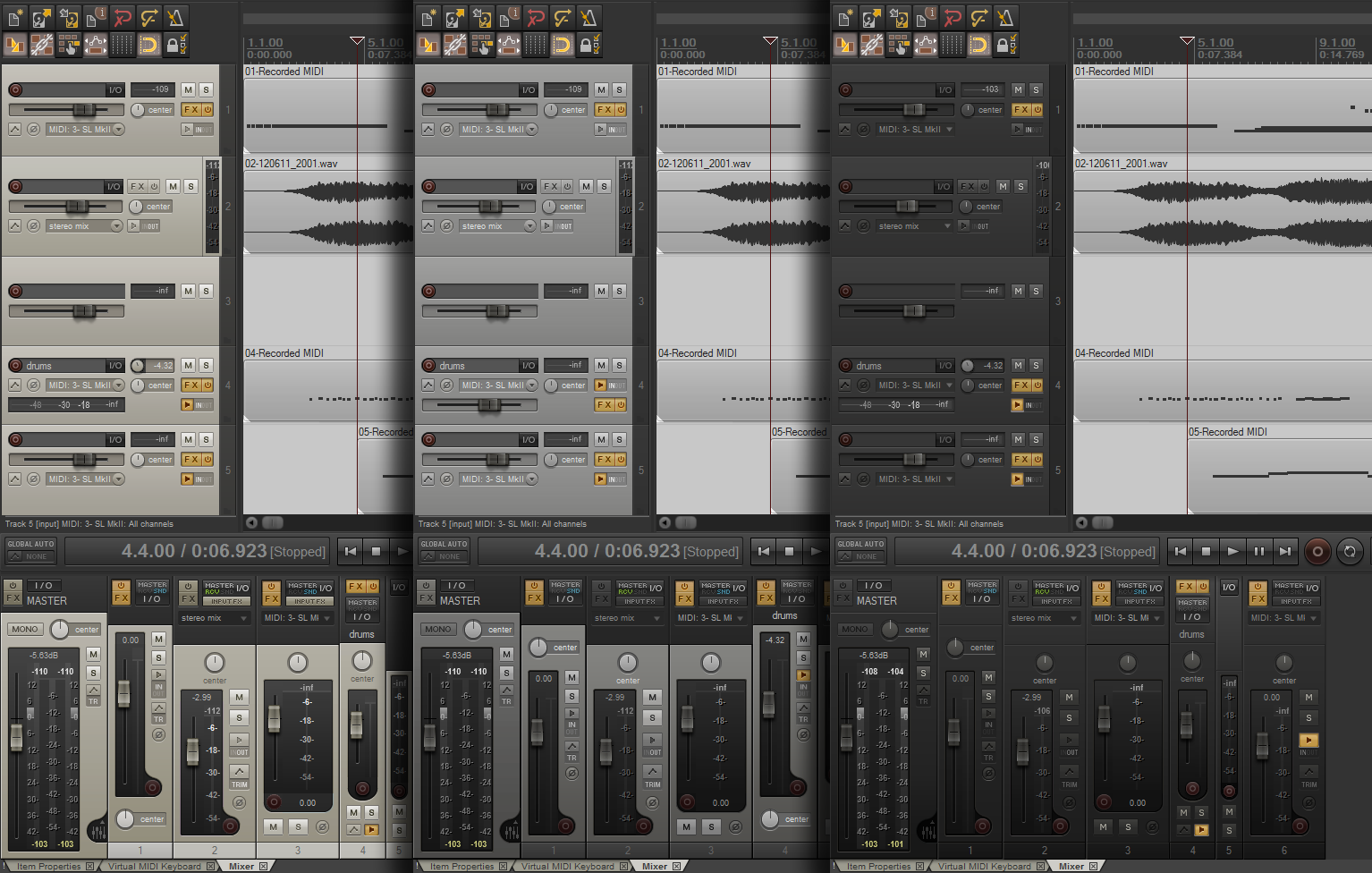
Cool theme ‘Default Analog’ by Lerian
User Lerian has made a cool theme based on White Tie’s default. In the ‘analog’ version you get 3 versions: tan, silver, black, with 7 track layouts for each color. Pretty cool theme if you like the default but want it just a bit different. You can see the 3 color styles of this theme…
-

REAPER Theme Building and Customization Resources
REAPER has provided the ability for users to tweak, customize and hack together their own themes. With Version 4 came WALTER (Window Arrangement Logic Template Engine for REAPER) which gives the themer even more control. Theming isn’t something you can just start poking around with and learn in an afternoon. There is a lot of…
-
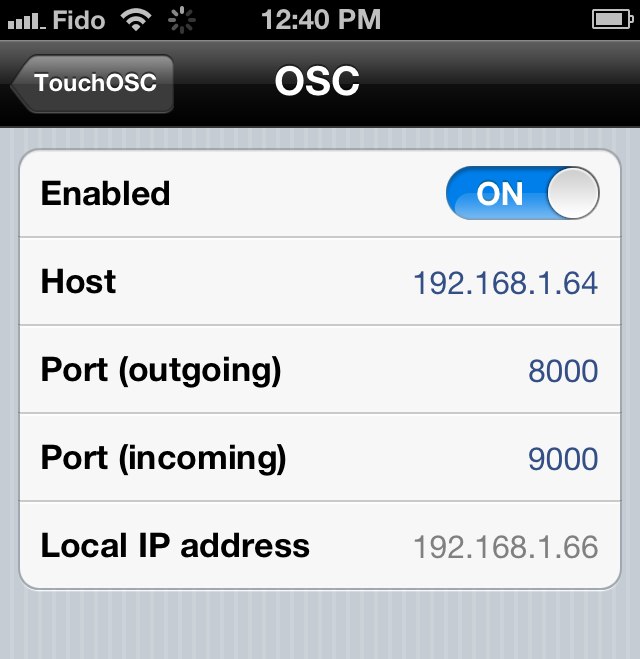
REAPER TouchOSC iPhone iPad Connection Issues Solved
Some users on the forum were having difficulty following the tutorial and getting their iPhone or iPad connected to REAPER. The issue turned out to be entering the Host IP address incorrectly. There shouldn’t be anything other than numbers or dots in the address. Here’s a screenshot from an iPad with the incorrect Host address.…
Need private REAPER lessons?
About
The aim of this website is to be an indispensable resource for the REAPER user community, providing news, reviews, tips & tricks, and detailed tutorials on music production using the REAPER software. Read More