
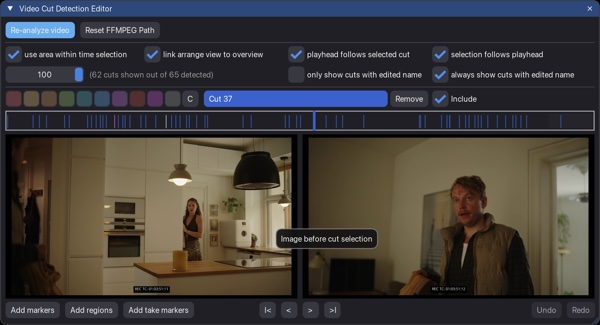
I recently came across this ReaScript project from Jesper Ankarfeldt that I think will be helpful for composers and other sound for picture workflows. If you’re sent long edited video files and need to time your music to the cuts, this will surely help.
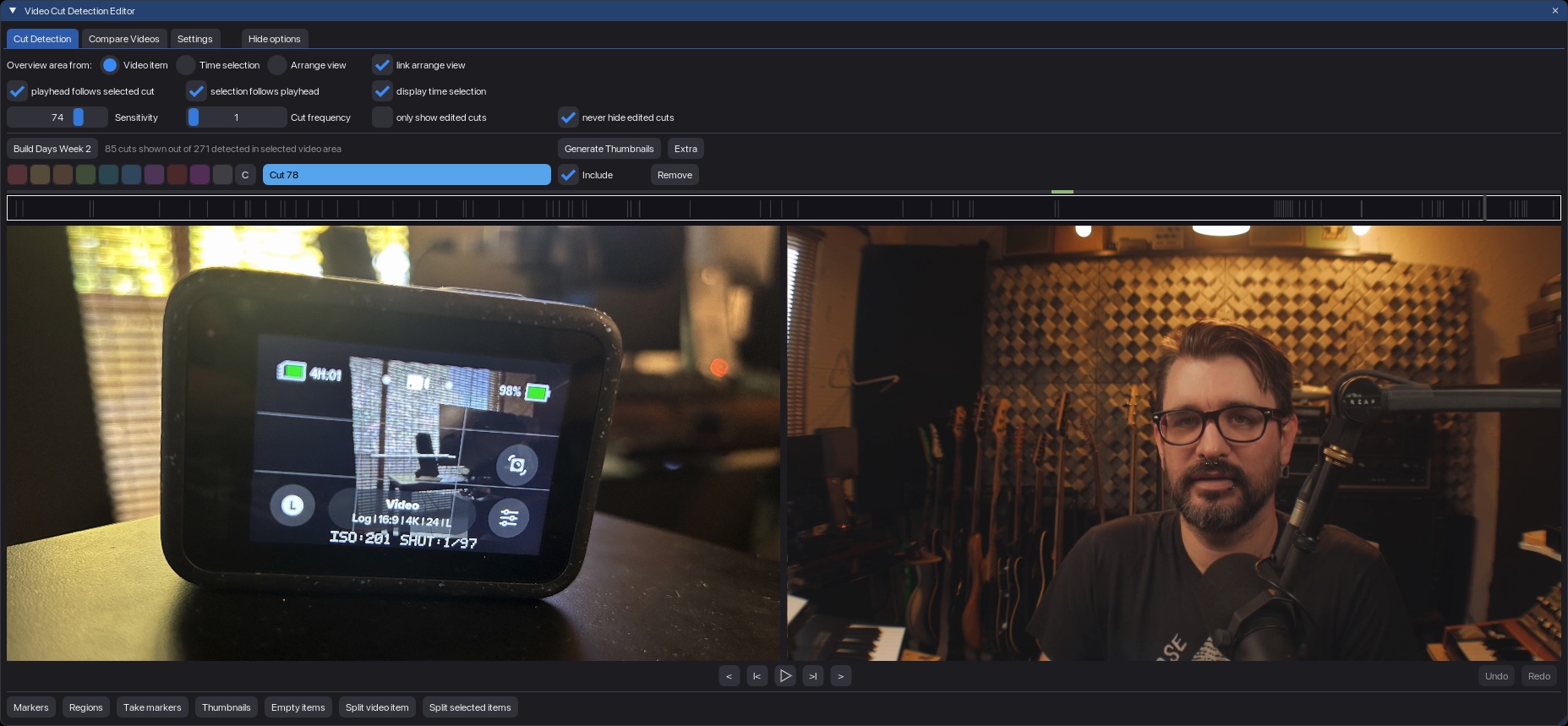
The purpose of this script is to be able to spot a video faster and more intuitive by recognising cuts and having clever navigation, naming and colouring with your keyboard.
This script can automatically detect the camera cuts in a video file, showing you the frame before and after, and after naming and coloring you can batch import to REAPER as markers, regions, or take markers. You can also generate thumbnail images for REAPER’s timeline at the cut points.
Check out his introduction video below
After more feedback and testing the 0.20 added a bunch of new features like subproject support, inserting a single marker/region, and displaying cuts for multiple clips within same time range (4 frames).
Since this video there are even more features and will continue to be developed based on user feedback.
This is a free script and you can install this script instantly through ReaPack – Saxmand Repository (copy url and paste into Import Repository dialog)
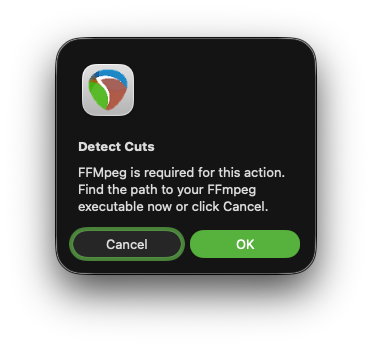
FFMPEG is required but it doesn’t seem to be too picky about the version, I tried an old version from March 2022, and the latest 8.0.1 from November 2025 and both worked. I had the usual Apple security problems opening a 3rd party extension like FFMPEG for first time, which I’ve talked about in videos before. This is the static FFMPEG binary, not the hard-to-find “shared” version which you would need for video editing in REAPER.
If you have trouble you can get help in the forum – https://forum.cockos.com/showthread.php?t=306113
🦋 BlueSky – https://bsky.app/profile/reaper.blog
📘 Facebook Page – https://facebook.com/thereaperblog
🤷 Facebook Group – https://facebook.com/groups/reaperblogcommunity
👏 Patreon – https://patreon.com/thereaperblog
📷 Gear I use – https://kit.co/reaperblog