
Category: TUTORIAL
-
What’s New in REAPER 5.974 Update
Video tutorial on some of the highlights of the 5.974 update including: automation item transition time; still-image default length and thumbnail mode; chaining VCAs and more
-

The REAPER Blog Q&A #33
Jon answers questions from the community on REAPER and life
-
A preview of ReaperWRB V2.0
Version 2.0 of Reaper Web Remote Builder is coming soon, here’s a look at what’s new.
-
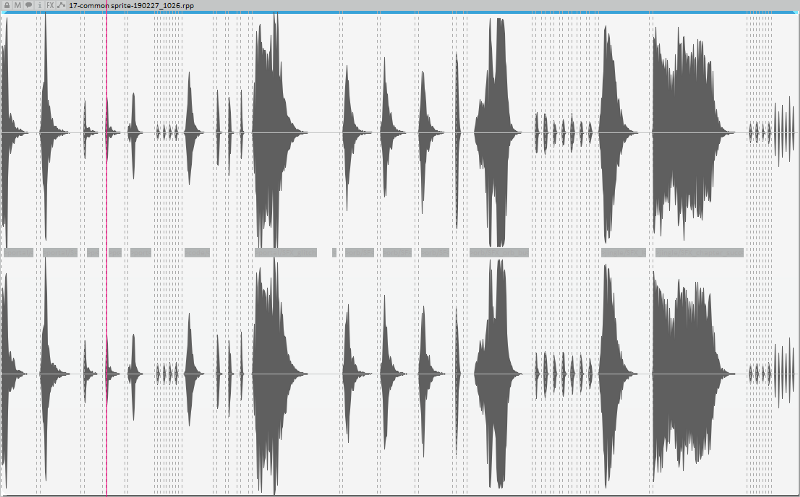
Exporting audio sprites for PixiJS with REAPER
Michael Klier shares how he exports game sounds as Audio Sprites for PixiJS based HTML5 games.
-
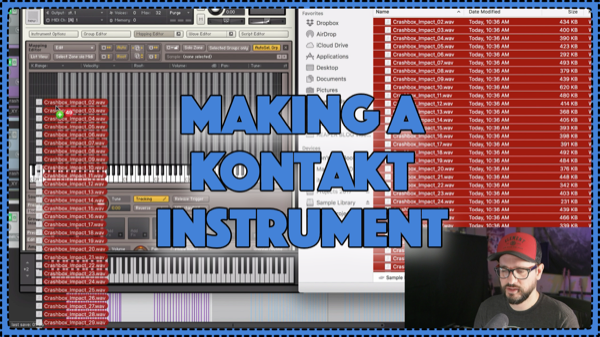
Mapping Samples with KONTAKT (impacts)
How to map multiple samples across keys in Kontakt sampler.
-
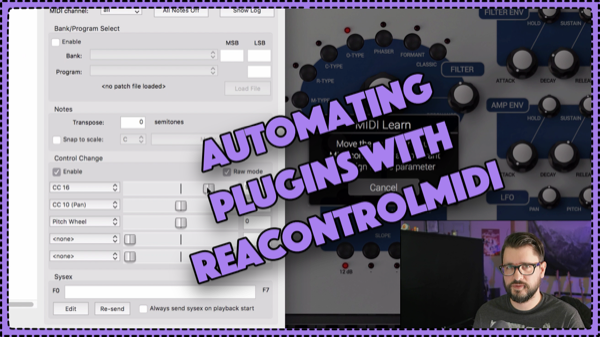
Automating Plugins with ReaControlMIDI
Learn how you can use ReaControlMIDI to work with MIDI learn in a plugin which can then be used with track automation. (video, 9min)
-
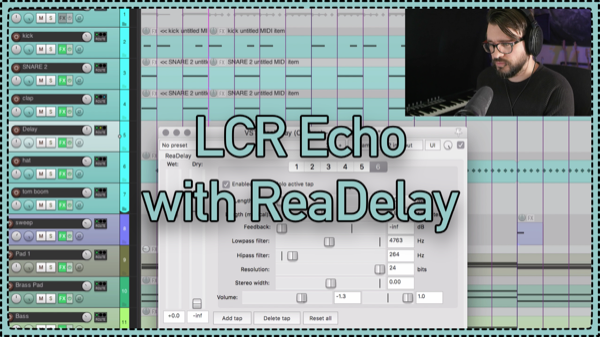
LCR echo with ReaDelay
Learn to make a delay effect that bounces between Left, Center and Right speakers with REAPER’s stock ReaDelay plugin. (video tutorial, 10min)
-
What’s New in REAPER v5.971-973
Catching up on recent changes to REAPER including changes to ARA, Region Render Matrix, and theme adjustments. Video Tutorial (16.5min)
-
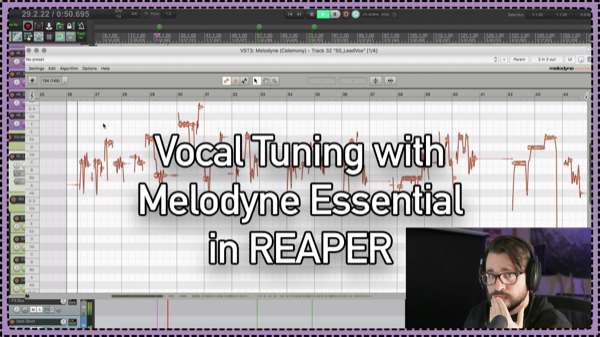
Vocal Tuning with Melodyne Essential in REAPER (ARA2)
Jon shows how to tune a lead vocal using Melodyne with the new ARA2 integration in REAPER v5.970+ Video tutorial, 25min
-
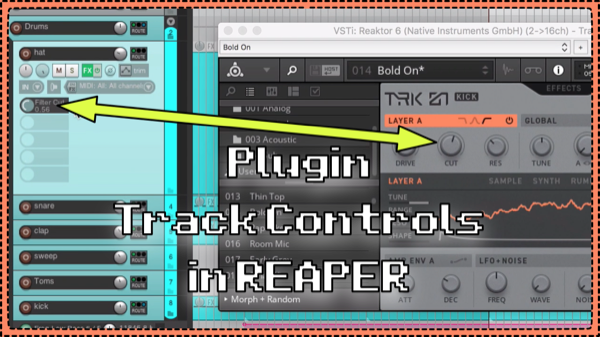
Plugin Parameters as Track Controls in REAPER
After my last video on the Spitfire LABS template I had a few people asking about the track controls function I was using. I’ve shown this here and there before in other videos but now it’s all in one place.
-
LABS Free VSTi from Spitfire Audio – REAPER Template Download
LABS is a free virtual instrument from Spitfire Audio which is regularly updated with new unique content. Video overview and template download from The REAPER Blog
-
Audio visualizer and glitch fx for video in REAPER !!
Learn how to use the oscilloscope and glitch effects for video production in REAPER 5. 3 real projects explained.