
Category: TUTORIAL
-
An Intro to VCV Rack – Free Open Source Virtual Modular Synthesizer
An introduction to VCV Rack, the free virtual modular synthesis environment.
-
Automatic Recording Backup in REAPER – Record to 2 drives at once
Setting up REAPER to record to two drives simultaneously for an automatic backup
-
What’s New in REAPER 5.70 – Ruler for region and marker lanes; FX Browser Categories
See the latest REAPER features in action including expanding ruler for multiple region and marker lanes, freehand drawing tempo envelope, plugin organizing, up tp 64 track groups, and more!
-
Setup Scrub and Jog with Mousewheel and MIDI Controller in REAPER 5
It’s so easy to set up REAPER to use mousewheel or a MIDI controller knob for Scrubbing and Jogging! Find out how in this video tutorial from The REAPER Blog.
-
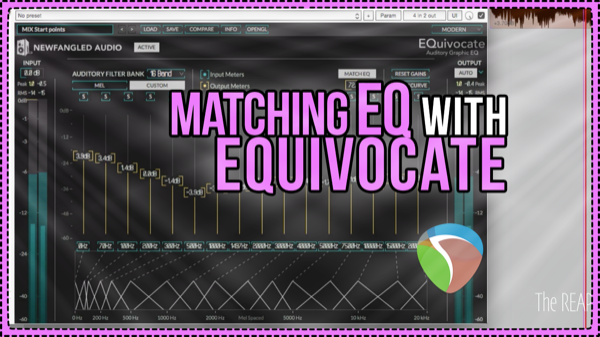
How to use EQuivocate Matching EQ mode in mastering
Jon demonstrates the Matching EQ mode of EQuivocate in a mastering session in REAPER, to quickly bring two songs closer together tonally as a better starting point for mastering.
-
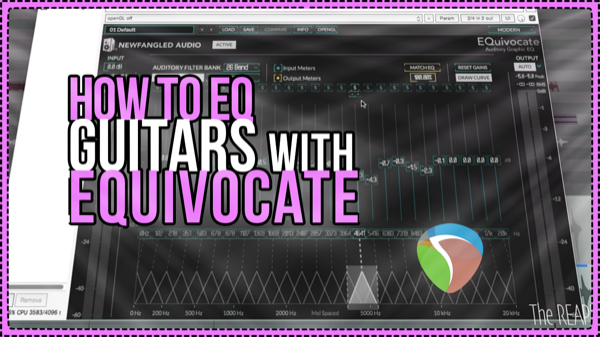
Smoothing Guitar Fizz with EQuivocate
Using the new EQuivocate Equalizer from Newfangled Audio on a Pop-Punk mix to notch out annoying ringing frequencies in the guitars.
-
How To Make a Basic Custom Action Remote For REAPER
How to make a basic remote control for triggering actions in REAPER. Basic html and css skills required.
-
A Sound Designer’s Template, Audio Post Tools and Tips – Interview with Vijay Rathinam PT2
Sound Designer Vijay Rathinam explains the REAPER templates he uses for surround sound, all the considerations for compatibility with Pro Tools, and some of his favorite tools and techniques.
-

Streaming Audio From REAPER with ReaCast and SHOUTcast – Personal internet radio station
How to get set up with SHOUTcast and how to use the ReaCast plugin in REAPER to broadcast audio from your session to the internet.
-
Pitch and Time Stretch Algorithms Compared for Music Production
Comparing REAPER’s pitch and time stretching algorithms for music production purposes – time aligning layered vocals, vocal tuning, and quantizing drums.
-
How to: Long Song Fade Out
A long fade out to end a song isn’t as popular today as it once was but it still comes up from time to time. Have you ever thought about the best way to do that in a DAW?
-
Extreme Time Stretching – 7 REAPER Algorithms Compared
A stress test for REAPER’s built-in time stretching algorithms (Video)