
Category: TUTORIAL
-
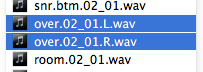
Working with split stereo audio in REAPER
If you do a lot of collaboration with users of other DAWs, or a lot of mixing for other people, you’ll run into split stereo files pretty often. This article shows two ways to combine 2 mono files on separate tracks into a stereo file on one track. Both methods use basic REAPER functions so…
-
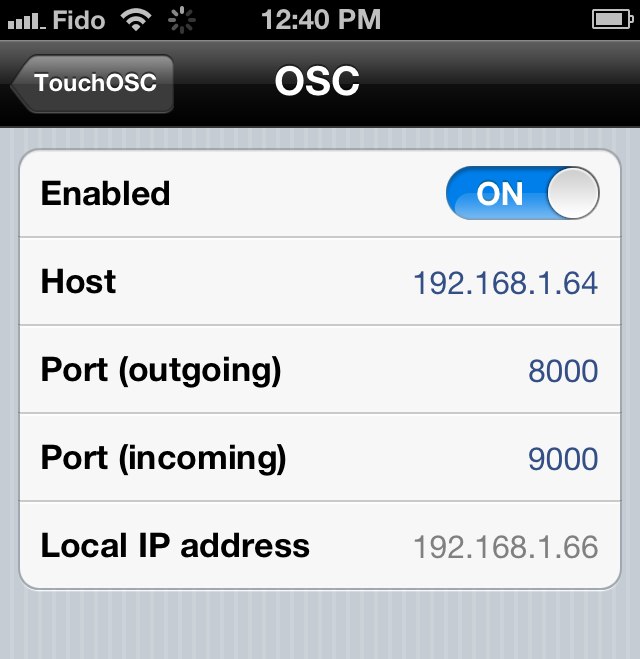
REAPER TouchOSC iPhone iPad Connection Issues Solved
Some users on the forum were having difficulty following the tutorial and getting their iPhone or iPad connected to REAPER. The issue turned out to be entering the Host IP address incorrectly. There shouldn’t be anything other than numbers or dots in the address. Here’s a screenshot from an iPad with the incorrect Host address.…
-
Editing Audio Items in REAPER
Reaper user Zappa has started a great thread on editing audio in Reaper, written for new users switching from other DAWs. There are many really good tips in here!
-
Import images into REAPER
Hmm, that’s a funny looking waveform…
-
Video: TouchOSC with REAPER
I have a short video today to show you how to set up TouchOSC on an iPhone to control Reaper’s mixer and transport over wifi. The TouchOSC app is well worth the $4.99 spent. It was easy to set up even for someone with no experience with OSC like myself. You can also use TouchOSC…
-
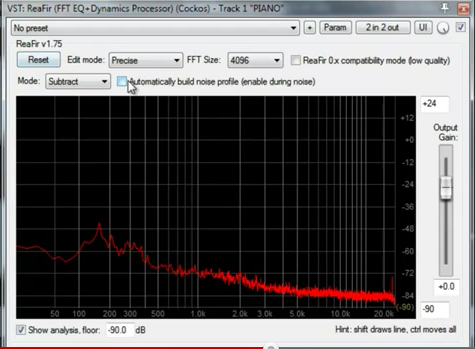
Video: Removing noise with ReaFir
I just came across a great quick tutorial from Total Composure on YouTube. By using ReaFir in subtract mode you can remove any constant hiss and noise from your recordings. It may not work as well as iZotope RX2, but it’s an impressive free option.
-
Video: Multiple Channel Outputs with KONTAKT 5
James Gilbert Music has uploaded a great tutorial for Native Instruments KONTAKT 5 users to help you understand and set up multi-channel audio and MIDI routing in Reaper. It’s a real pain to set this up all the time, so do it once and save it as either a project or track template. Thanks to…
-
Review: Groove3 Reaper Tips and Tricks
Reaper Tips and Tricks is the latest Reaper training series from Groove3. Tips & Tricks is hosted by Kenny Gioia, an instructor I’ve been learning from since 2007. I’m a bit of a Kenny Gioia and Groove3 fanboy, I can’t even imagine where I’d be at with my DAW skills without their video tutorials. Like…
-
Video: Auto-Panning (from Reaper Tips & Tricks)
Groove3 just released the latest tutorial video series Reaper Tips & Tricks, hosted by Kenny Gioia. The nearly 5hr tutorial set is on sale for $29.99 Here is one of the tutorials showing how to set up auto-panning effects using parameter modulation.
-
How To Use ReaScales
What’s a ReaScale? REAPER includes a few basic scales for it’s Scales and transpose functions. The ability to load reascales allows the user to expand this functionality. A reascale file contains one or more custom musical scales or chord pattern templates. Once loaded, the new scale/chord templates are accessed in the MIDI editor Scale menu…
-
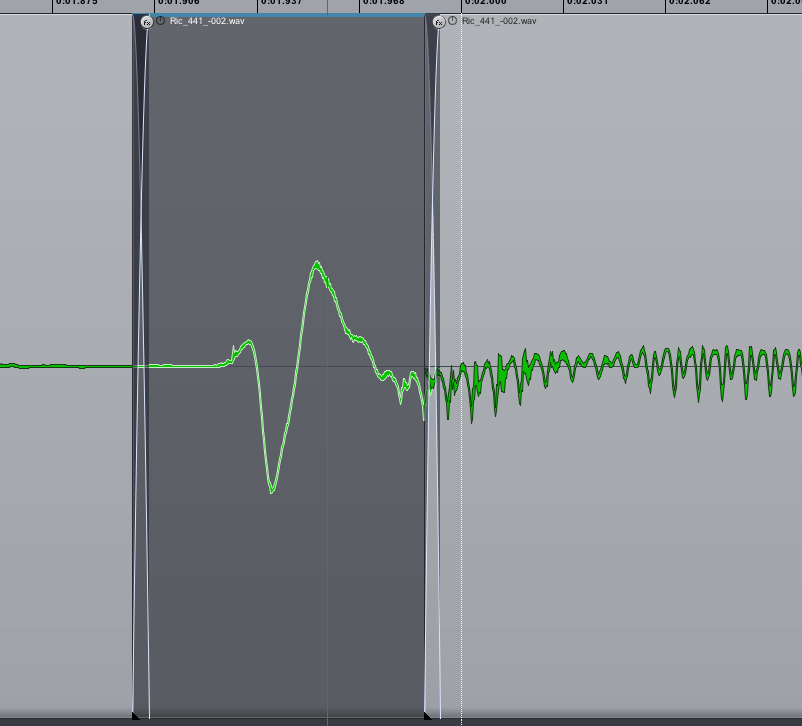
REAPER 201: Removing vocal plosives
How to edit out microphone pops using fades and low cut filter