
Category: TUTORIAL
-
Don’t try to delay throw without this! REAPER DAW Tip
Beware this REAPER preference that prevents send automation from working.
-

Aliasing Distortion for Sound Design
Exploiting the Nyquist Frequency to create retro lo-fi sound effects
-

What’s new in REAPER v6.14 update
REAPER 6.14 includes new features and improvements to FX parameter, fx inserts and sends display in the Track Control Panels and Mixe
-
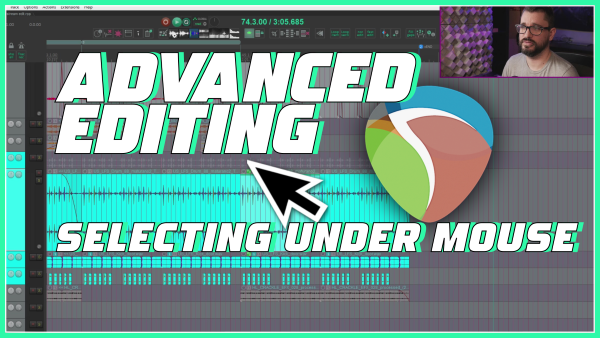
Advanced Editing Tips – Selecting items under mouse cursor
How to select items without losing your position in the timeline? How about snapping an item to the cursor?
-
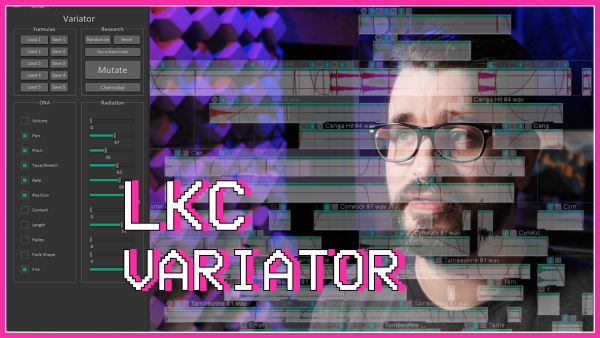
Powerful new script: LKC Variator
LKC Variator is a dockable REAPER script for randomizing item settings and positions. Especially useful for sound design work.
-

Is ReaComp Actually A SUPER CLEAN Compressor ?
People always say that ReaComp is a super clean and transparent compressor, let’s test that.
-

Top 5 SWS Extension Features
Jon explains his 5 favorite features that come with the SWS Extension for REAPER.
-
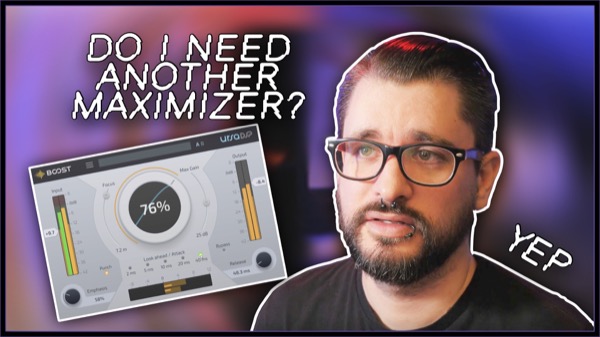
Do I Need Another Maximizer? – UrsaDSP BOOST
Jon explores the new Boost maximizer from UrsaDSP
-
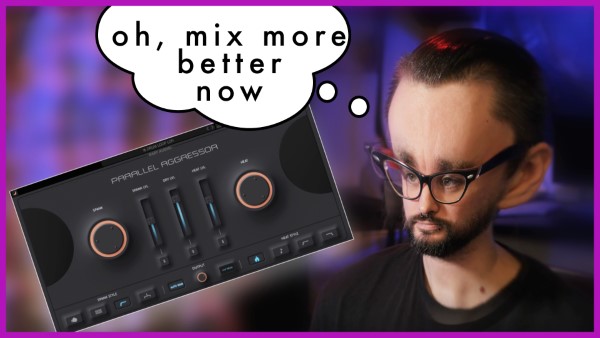
Punch, Spank, and Heat – Any Time, Any Track – Parallel Aggressor by Baby Audio
This plugin split the incoming signal into 3: dry, spank (compression), and Heat (saturation), with various flavors of each, and let’s you blend them with NO phase issues, and automatic gain compensation.
-
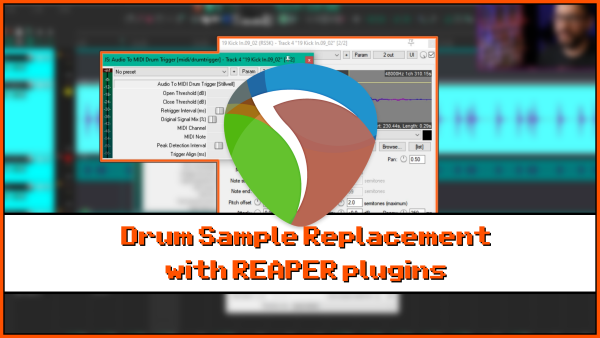
Drum Sample Replacement with REAPER plugins
How to use stock plugins in REAPER to replace or layer drums in a mix.
-

What’s New In REAPER 6.13
Learn about the latest new features and changes in REAPER version 6.13 update
-
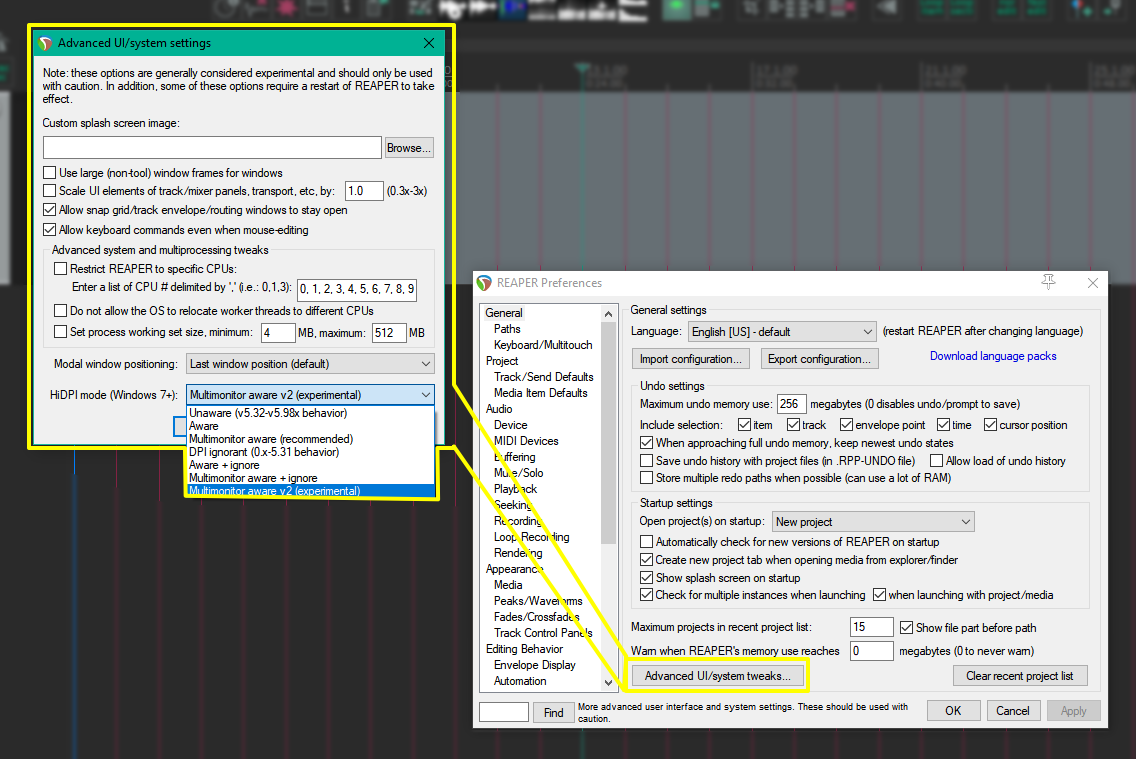
REAPER Tweak – Multimonitor v2 HiDPI awareness mode (Windows only)
If you use mixed DPI monitors with REAPER, you might want to try Multimonitor Aware V2 HiDPI mode. Here’s why.