
Category: TUTORIAL
-
Making a REAPERBLOG Video in 2020
Jon explains changes to his video production setup and workflow in 2020.
-
Mixing With SansAmp Style Plugins – SoftAmp PSA review
How to use a SansAmp PSA style distortion effect for guitars, bass and drums. Free distortion VST plugin for Windows.
-
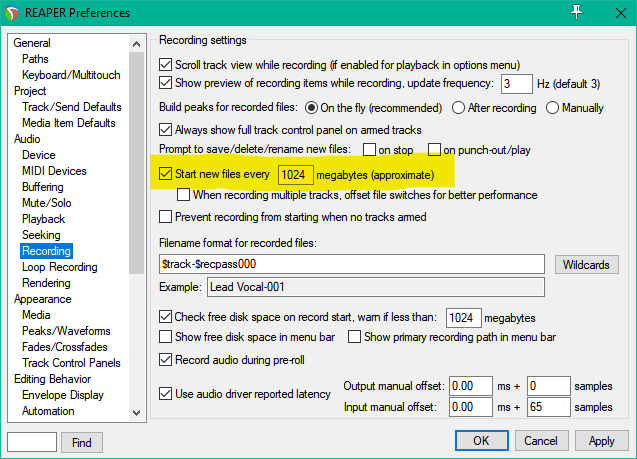
Why do items sometimes split after gluing?
Why are long recordings split after glue in REAPER? Why can’t I glue long files?
-
Creating a Synth transition, and how I process vinyl crackle to fit in the mix
Jon shares tips and production ideas from recent projects
-
Spitfire Audio BBC Symphony Orchestra REAPER Template
Get started making music with BBCSO Discover with our free template for REAEPER.
-
What’s New in REAPER v6.12
Learn about the great new changes in REAPER v 6.12.
-
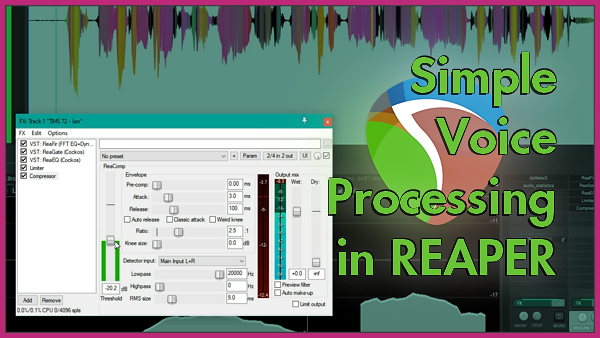
Dialog FX Chain with stock plugins
Learn how to mix a spoken voice for a podcast, voiceover, audiobook or video with simple and effective tools in REAPER.
-
Quick Editing Tip: Per-Item Ruler and more
Quick Editing Tip: Per-Item Ruler and more
-
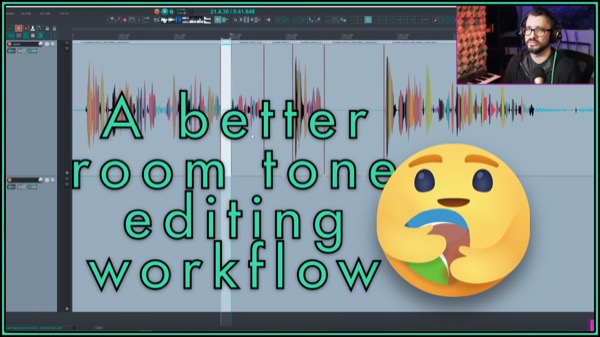
Paste to fill selection (special paste) custom action
This custom action makes it simple to fill spaces in your recording with ‘clean’ room tone.
-
What’s New in REAPER 6.11 – mixer scroll fix, more metadata functions, global color adjust
Learn about the latest changes in REAPER version 6.11 update including global theme color adjustments, improved mixer scrolling, and more wildcards and metadata functions
-
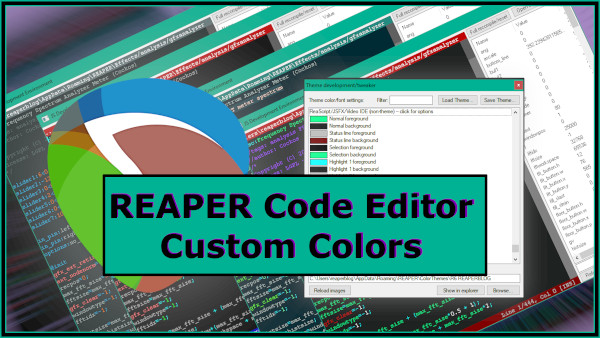
REAPER Code Editor Custom Theme Colors
How to customize the colors in REAPER’s scripting editor window.
-
How to use Screensets in REAPER
Screensets are one of my favorite features in REAPER and one of the best ways to customize the REAPER interface to suit the task at hand. learn more in this new tutorial