
Category: TUTORIAL
-
REAPER Blog Q&A # 26 – mixes “too clean”, Tips for drum programming
Answering your questions on mixing vocals, input fx, linking a MIDI controller to REAPER functions, favorite tape saturation plugin, and tips for drum programming
-

Recording Your Band In REAPER – New free video series from Kenny Gioia
New tutorial series on Recording a band using REAPER presented by Kenny Gioia.
-
Pitch Bend Control – plugins to alter, assign or disable MIDI Pitch Wheel
Learn how to prevent all pitch bend messages, assign different controls to pitch bend and much more in this video tutorial for REAPER users.
-
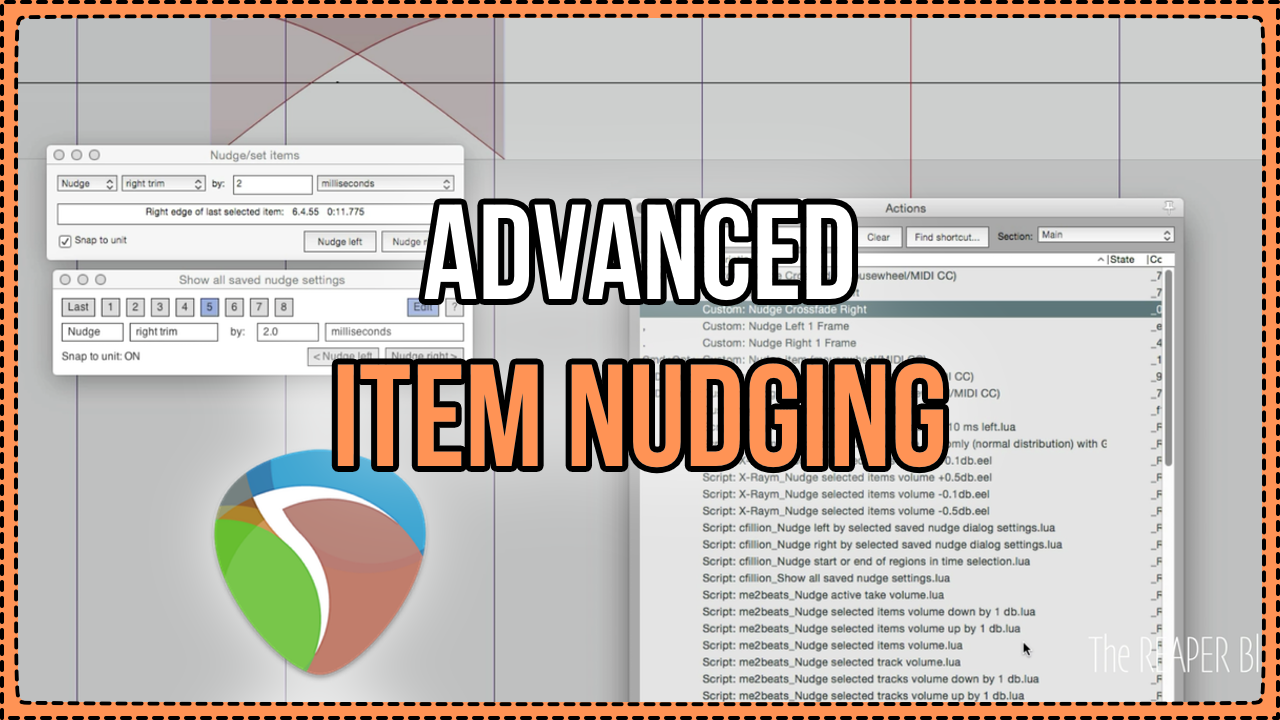
Advanced Item Nudging
Learn how to save and recall nudge settings, a script to display all saved nudge settings, and building custom actions to nudge item through a MIDI controller or Mousewheel. These tips can provide huge workflow improvements, and reduce mouse-clicks while editing.
-
Project Length Limit – Stop zooming out too far
Learn about the setting that will automatically stop recording after a set time, and stop zooming out excessively.
-
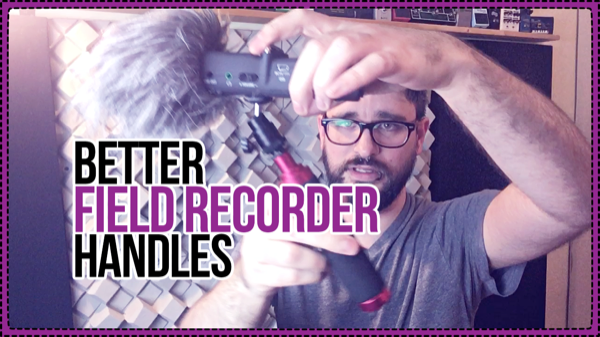
A Better Field Recorder Handle
Some inexpensive options for making your field recorder less sensitive to handling noise, more ergonomic and more versatile. Capture sounds with better quality and spend less time editing.
-

An Intro to VCV Rack – Free Open Source Virtual Modular Synthesizer
An introduction to VCV Rack, the free virtual modular synthesis environment.
-
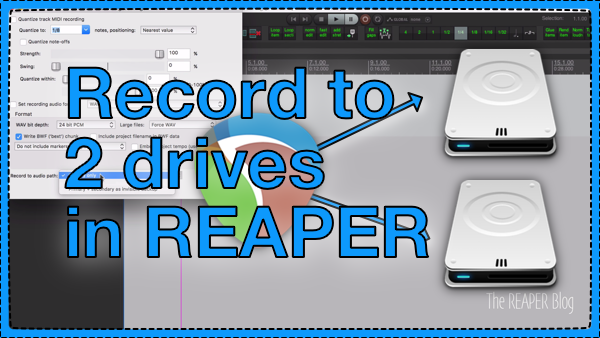
Automatic Recording Backup in REAPER – Record to 2 drives at once
Setting up REAPER to record to two drives simultaneously for an automatic backup
-
What’s New in REAPER 5.70 – Ruler for region and marker lanes; FX Browser Categories
See the latest REAPER features in action including expanding ruler for multiple region and marker lanes, freehand drawing tempo envelope, plugin organizing, up tp 64 track groups, and more!
-
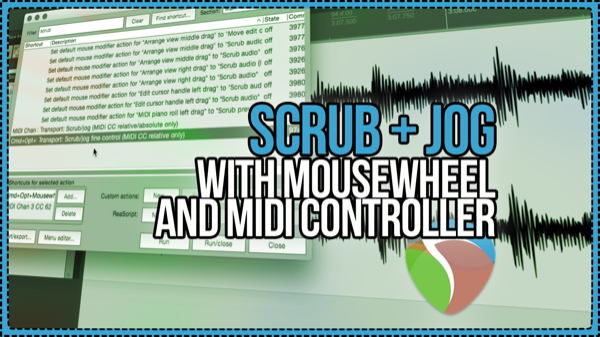
Setup Scrub and Jog with Mousewheel and MIDI Controller in REAPER 5
It’s so easy to set up REAPER to use mousewheel or a MIDI controller knob for Scrubbing and Jogging! Find out how in this video tutorial from The REAPER Blog.
-
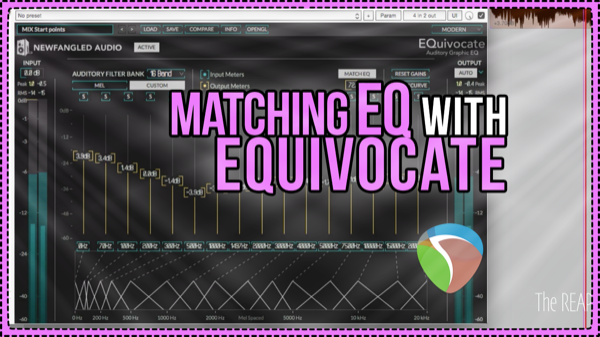
How to use EQuivocate Matching EQ mode in mastering
Jon demonstrates the Matching EQ mode of EQuivocate in a mastering session in REAPER, to quickly bring two songs closer together tonally as a better starting point for mastering.
-
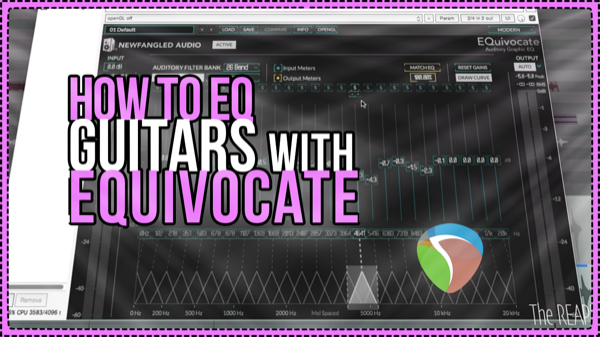
Smoothing Guitar Fizz with EQuivocate
Using the new EQuivocate Equalizer from Newfangled Audio on a Pop-Punk mix to notch out annoying ringing frequencies in the guitars.