
Category: TUTORIAL
-
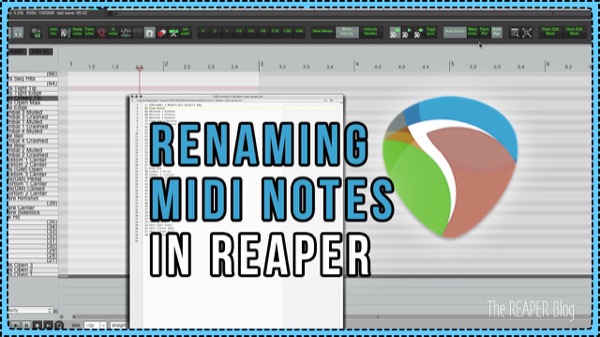
Naming MIDI Notes In REAPER
How to rename a MIDI note in the MIDI Editor, and how to save and load Note Name files
-
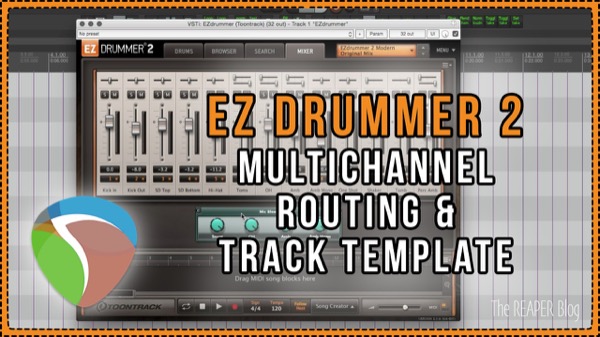
EZ Drummer 2 Routing & Track Template
Learn how to set up multichannel routing for EZDrummer 2 and download the free Track Template from The REAPER Blog.
-
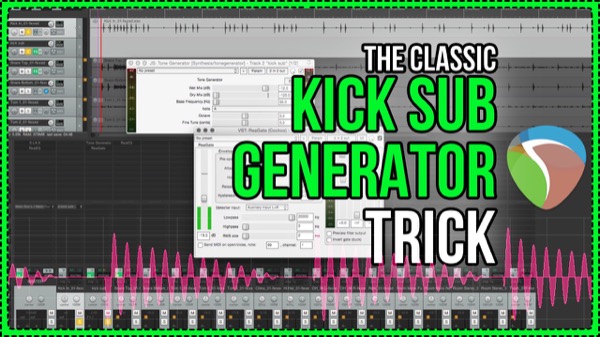
Kick Sub Generator Trick – Classic Mixing Technique With Free Plugins In REAPER
Extend and enhance the low end of your kick drum by triggering a tone generator. This classic mixing technique is made easy in REAPER.
-
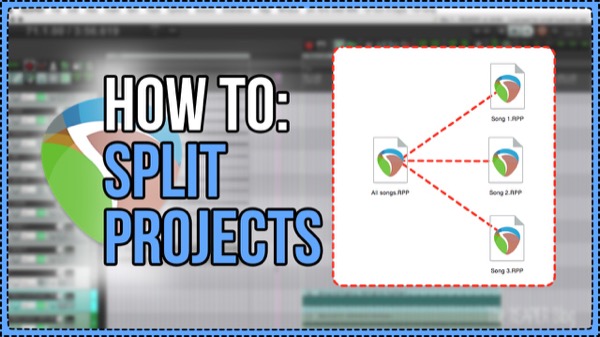
How to Split Projects
How to split a REAPER Project into separate songs
-
Quickly Show & Hide Tracks in REAPER | Track Manager and SWS Actions
Learn how to quickly hide selected tracks, show only selected tracks, and show all tracks again with actions and the Track Manager.
-

3 Useful iPhone apps for producers and audio engineers
Three super useful apps for audio engineers and producers for guitar tuning, speaker calibration and tap tempo.
-
Select Time Between Items Custom Action
Jon explains a simple custom action and how to assign it to run from a double-click. The action finds the nearest item edges on left and right of the edit cursor and sets the time selection around the item or gap between items.
-
Moving Automation With Items
How to move, or prevent moving, of track automation along with audio and MIDI items. Essential REAPER knowledge.
-
EDM Production Tricks In REAPER – Intense Buildups and Formant Shifting
Jon explains how to make an intense filtered buildup transition and how to use Formant shifting on drums
-
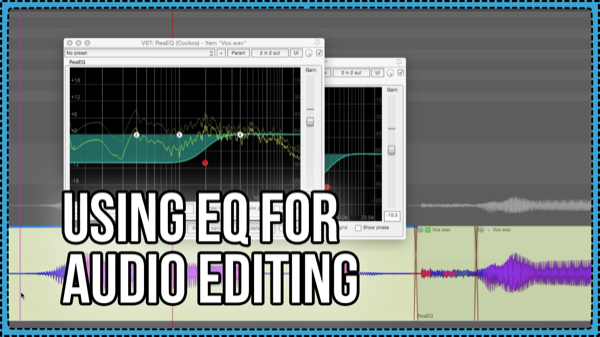
Using EQ for Audio Editing – reduce plosives, crackles, and click bleed
How to use the ReaEQ plugin for cleaning up annoying noises in a vocal, such as plosives and fizzy effs, and reducing click bleed in drum tracks. Plus a trick to copying the fx chain from one item to all selected items. And, how to show the item fx buttons on media items.
-
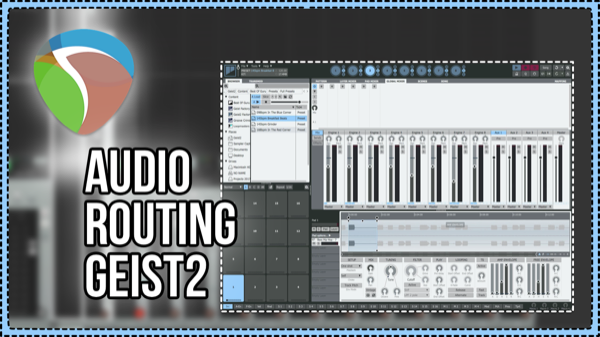
Audio Routing For FXPansion Geist2
We explore the routing options and create a REAPER Track template for Multi-channel outputs with FXPansion Geist2 sampler.
-

MP3 is DEAD (but not really) Anyway, here’s how to Export an AAC from REAPER
How to export your project as AAC Format in REAPER.