
Category: VIDEO
-
nvk_CREATE – Premium ReaScript pack for Pro Sound Designers
nvk_CREATE is a script pack for REAPER to allow streamlined workflow for creating sound effects. With the needs of professional sound designers in mind, this tool makes it easy to search for sounds, add and replace sounds, create variations and much more.This is an interview with Nick von Kaenel about his exciting new premium reascript…
-
Working faster with MIDI Editor Actions in REAPER (better keyboard shortcuts)
Jon shares some of his most frequently used actions for basic MIDI editing. From inserting notes, velocity, jumping octaves and more. Use these actions to work more quickly in the MIDI Editor.
-
What’s new in REAPER 6.40 | Metronome multiplier, $title wildcard and more!
Learn about the latest features and changes in REAPER 6.40
-
What’s New in REAPER 6.37 – New FX ReaLimit, Delta Solo, Custom MIDI note order and more
Learn the new features in 6.37: Render limiting, new brickwall ReaLimit plugin, custom MIDI note order, and more!
-
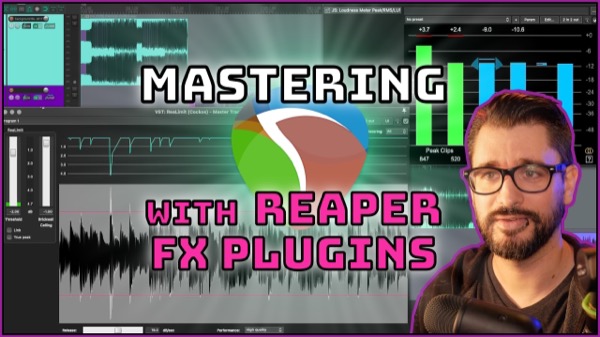
Mastering with REAPER stock fx plugins
How to use Reaper fx for audio mastering, including Loudness Metering, Multiband Compression, Limiting, Clipping and more!
-
Fresh Start: REAPER Settings – Part 4: MIDI
Continuing the Fresh Start series, today we’re looking at configuring the MIDI Editor, some shortcuts, toolbar buttons and more.
-
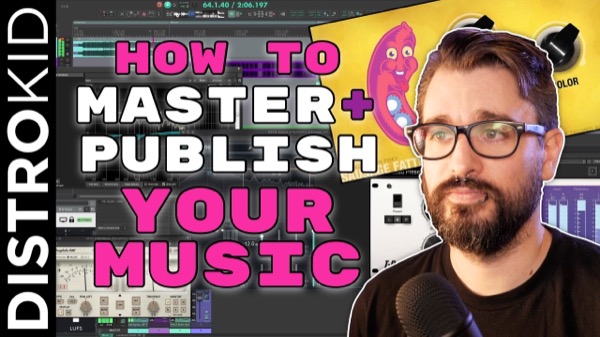
How To Master + Publish an EP or Album using REAPER and DistroKid
In this video we’re going through the process of mastering, exporting, and uploading a 4-song EP.
-
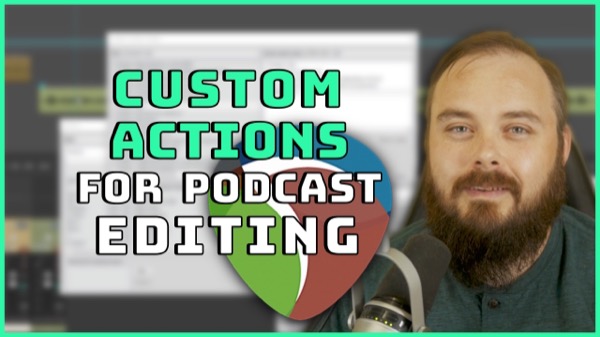
6 custom actions for podcast editing – Daniel Abendroth – REAPER for Podcasting
REAPER is fantastic software for music as well as editing podcasts. In this video, Daniel Abendroth shows his essential custom actions to make podcast editing a breeze in REAPER.
-
Audio Post Production for a Narrative Podcast
Jon explains some of the things involved to create a fully sound designed narrative podcast in REAPER.
-
New features in REAPER v6.35
learn about the latest features and changes in REAPER version 6.35
-
Replacing the tape in my 1979 Roland SPACE ECHO RE-150
Jon finds out what happens when you replace the tape in an old Roland Space Echo
-
Loop Recording With Pre-Roll in REAPER
Normally REAPER will only use the pre-roll for the first lead-in to recording. Learn 2 workarounds to include pre and/or post-roll to every loop recording so you can hear the part in context.