
Category: VIDEO
-
Slow Motion Video Workflow in REAPER 5
How to manage high frame rate video in your REAPER 5 project. Using the iPhone’s Slow-Mo mode or high fps footage from any camera.
-
Naming MIDI Notes In REAPER
How to rename a MIDI note in the MIDI Editor, and how to save and load Note Name files
-
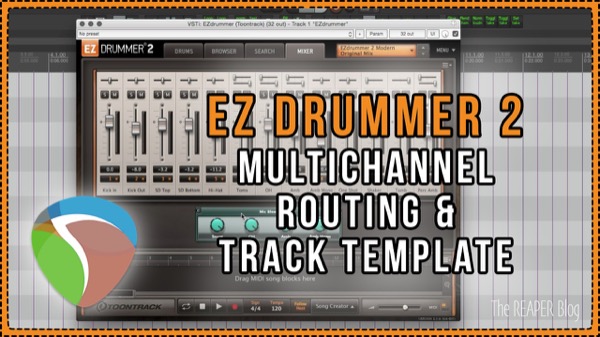
EZ Drummer 2 Routing & Track Template
Learn how to set up multichannel routing for EZDrummer 2 and download the free Track Template from The REAPER Blog.
-

Kick Sub Generator Trick – Classic Mixing Technique With Free Plugins In REAPER
Extend and enhance the low end of your kick drum by triggering a tone generator. This classic mixing technique is made easy in REAPER.
-
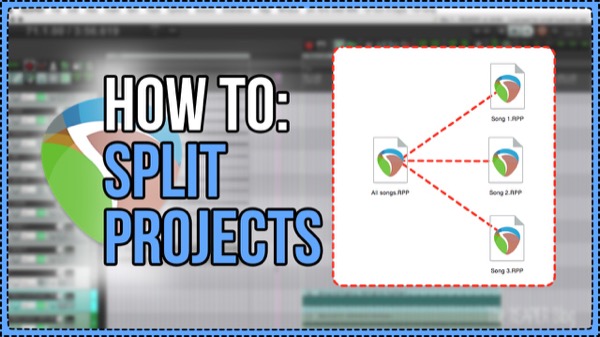
How to Split Projects
How to split a REAPER Project into separate songs
-
How To: use slow motion video & add moving text to match, in REAPER
How to work with high-speed/slow motion video files in REAPER, and how to add moving text that follows the action.
-

Quickly Show & Hide Tracks in REAPER | Track Manager and SWS Actions
Learn how to quickly hide selected tracks, show only selected tracks, and show all tracks again with actions and the Track Manager.
-

3 Useful iPhone apps for producers and audio engineers
Three super useful apps for audio engineers and producers for guitar tuning, speaker calibration and tap tempo.
-
The REAPER Blog Q&A 23 | creative spark; SWS extension; adding metadata
In this Q&A session, perspective on progress; fueling the creative spark; sampler workflow; adding metadata to files and more
-
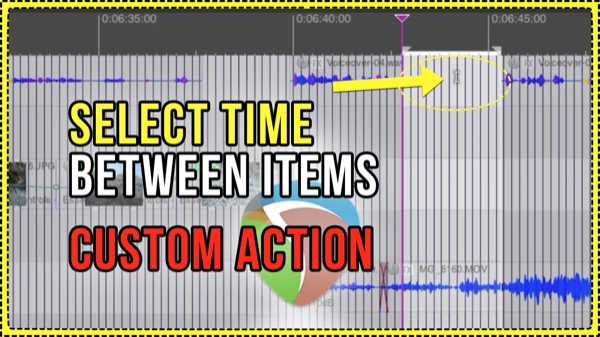
Select Time Between Items Custom Action
Jon explains a simple custom action and how to assign it to run from a double-click. The action finds the nearest item edges on left and right of the edit cursor and sets the time selection around the item or gap between items.
-
Moving Automation With Items
How to move, or prevent moving, of track automation along with audio and MIDI items. Essential REAPER knowledge.
-
EDM Production Tricks In REAPER – Intense Buildups and Formant Shifting
Jon explains how to make an intense filtered buildup transition and how to use Formant shifting on drums