
Category: VIDEO
-
Using REAPER for live performances – Vampire Step-Dad Interview
Jon interviews Synthwave artist Vampire Step-Dad to find out all the details of his REAPER based live rig and more.
-
Ducking Vocal Reverb
A ducking reverb is one that gets out of the way of the source while present. This is achieved with sidechain compression. This video will show you how to set that up inside REAPER.
-
The REAPER Blog Q&A # 22 – Normalizing is bad; favorite plugins; mics for podcasting and more
Answering your questions about: VU Meters; Normalizing; Trim Volume automation; REAPER plugins VS 3rd party; and Podcasting.
-
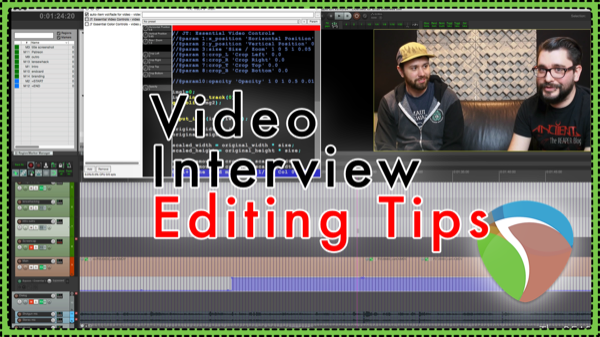
Video Interview Editing Tips – Video Production In REAPER
A look at the post production session for an interview, with tips on faking a second camera angle, editing rules of thumb, adding movement to static B-Roll, and more.
-
Quick Tip – Bezier Envelope and Fade Curves
In this quick tip video: drag to adjust Bezier Curves for fades, crossfades and automation envelopes.
-
What’s New In REAPER v5.40 – Swing Grid; Spectrogram peaks and more
Notable changes and new features in REAPER from updates 5.33 to 5.40. Includes how to use Spectrogram peaks view, swing grid, REX file stretching and more
-
Reducing Cymbal Bleed In Tom Tracks (Without Dulling The Attack)
Forget gating your toms. Learn Jon’s go-to tip for completely removing unwanted cymbal bleed in tom recordings. Total control in the mix.
-

Using REAPER for Synthwave & Game Audio – Interview with Kolby Heiss
Jon talks with Kolby Heiss about his Synthwave project Neon Runner; making sounds for The Next World game; and becoming one with nature in Field Recording.
-
Six Custom Actions For Area Selection Editing
Jon shares 6 custom actions to dramatically improve your audio editing efficiency. Each action applies to the selected time range of the items selected.
-
Instant-Take Suite – Adam T Croft Interview
Jon interviews Adam T Croft about the Instant-Take Suite scripts which bring the powerful AudioSuite workflow in use by post-production professionals for decades, to REAPER.
-
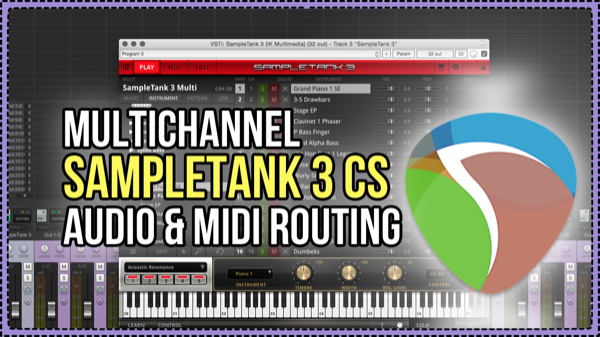
Multichannel SampleTank 3 CS Audio & MIDI Routing – free template
In this video Jon takes you through a quick tour of SampleTank 3, and builds a template for 16 MIDI inputs and 32 audio outputs from a single instance of SampleTank.
-
REAPER Blog Q&A #21
It’s Q & A time again. In this one the topics include: Snapping to frame grid, bypassing all fx, reference tracks and more