
-
How To Use ReaScales
What’s a ReaScale? REAPER includes a few basic scales for it’s Scales and transpose functions. The ability to load reascales allows the user to expand this functionality. A reascale file contains one or more custom musical scales or chord pattern templates. Once loaded, the new scale/chord templates are accessed in the MIDI editor Scale menu…
-
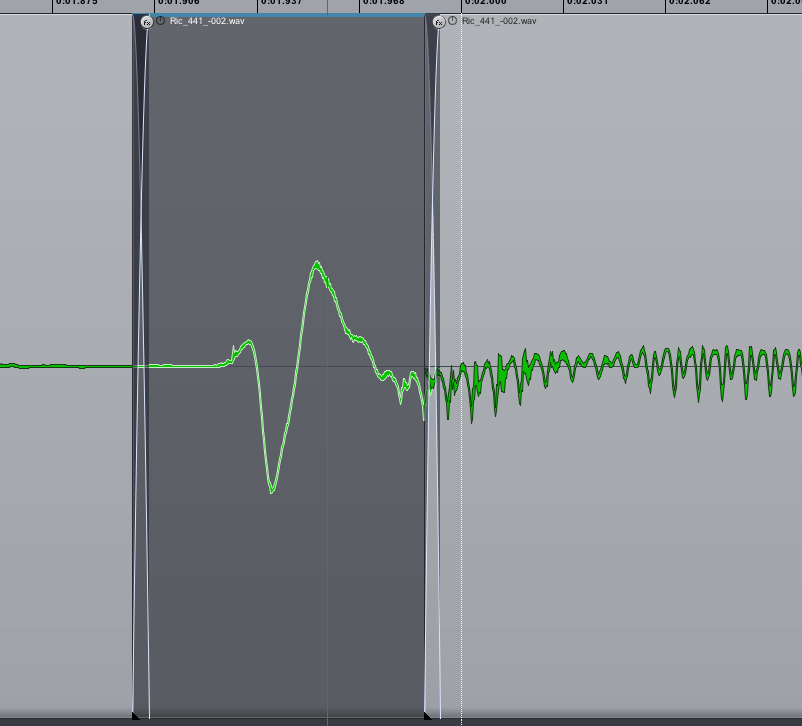
REAPER 201: Removing vocal plosives
How to edit out microphone pops using fades and low cut filter
-
REAPER 101: Making Selections
REAPER 101 is a series of short articles to help beginners get started with REAPER quickly. This tutorial will demonstrate how to make track, time, item and MIDI selections. This is one of the fundamentals of working in REAPER. Track Selection Tracks are selected simply by clicking on any space in the track control panel…
-
REAPER reviewed in AudioMedia Magazine Feb 2012
In the latest issue of AudioMedia Magazine, R4 was favorably reviewed. AudioMedia is a magazine for media professionals so this review is great exposure for Reaper. Read the review in the online edition here: READ REVIEW
-
Video: Using Screensets in REAPER 4
This tutorial comes from Jonny Ginese at ReaperTutorials.com and shows how to use the screensets function to quickly jump from mixing to editing to split screen workflows. This quickly became one of my most used functions since R4 was released, it’s really easy to set up and really fast to use.
-
Run Plugin as Dedicated Process
This article continues where the previous article about 32 and 64-bit REAPER left off. At the end we recommended the 32-bit version of REAPER with specific plugins running as a separate or dedicated process. This article will explain the difference and how to do it. Native, separate or dedicated process? The difference between these is…
-
Should you use 32 or 64-bit REAPER?
You’ve probably noticed that there are a few versions of REAPER on the download page. 32-bit or 64-bit. This is a big source of confusion for new users. I heard that 64-bits sounds better or something. LOL OK, the first thing to understand is that this has nothing to do with how REAPER sounds. You…
-
Video: One Handed Editing Using Mouse Modifiers
This video tutorial comes from Jonny Ginese at TutorialsForReaper.com. Jonny shows how to configure mouse modifiers so he can edit drums with one hand and pet his sad dog with the other.
-
REAPER Crashes When Inserting Plugins?
For a while REAPER has been crashing often when I insert a plugin. This is NOT normal behavior and not what I am used to seeing. After a dozen crashes this morning I stopped trying to mix and tried to figure it out. Clearing the plugin cache didn’t help and neither did installing the latest…
-
Piano Roll Note Map for Steven Slate Drums 4
A helpful user on the Steven Slate Drums forum has shared a MIDI Note Map file. I went ahead and made a piano roll note map for SSD 4 in Reaper. I know there are some inconsistencies between kits, and some have fewer toms, etc., so I used Slate Rock 01 as my template and…
-
REAPER 101: REAPER Windows
REAPER 101 is a series of short articles to help beginners get started with REAPER quickly. In this article I will show you the most used elements of the REAPER interface. Click on any image to enlarge. Further detail of each panel and window will come in future articles.
Need private REAPER lessons?
About
The aim of this website is to be an indispensable resource for the REAPER user community, providing news, reviews, tips & tricks, and detailed tutorials on music production using the REAPER software. Read More